

Standardize every new client onboarding around a single checklist, a signed engagement letter, and a secure client portal invite. Send that invite within 24 hours of signature and get a kickoff meeting on the calendar within 72 hours. Everything else, the intake forms, the document chasing, the software setup, runs faster when those two moves happen first.
TL;DR:
- Sending the client portal invite within 24 hours of signature significantly reduces early churn and smooths onboarding progress.
- A clear, signed engagement letter with explicit scope and exclusions helps prevent scope disputes and delays during onboarding.
- Automating reminders for document collection and connecting practice management software to bookkeeping systems saves time and minimizes manual errors.
- Assigning a dedicated onboarding owner responsible for each step ensures accountability and maintains SLA targets, such as a 72-hour kickoff meeting.
- Using a structured, itemized onboarding checklist focused on specific actions improves consistency and onboarding speed across client types.
Table of Contents
- What Is Accounting Client Onboarding and Why It Matters
- How to Build the Onboarding Workflow, Step by Step
- Documents, IRS Authorizations, and AML/KYC Basics
- Which Tools Actually Speed Up Onboarding?
- Who Owns Each Step, and How Do You Set SLAs?
- What Should Your Onboarding Checklist and Templates Include?
- How Does NIST Guidance Apply to Client Data Handling?
- How Byram Advisory Applies These Principles
- The One Habit That Fixes Most Onboarding Problems
- Ready to Automate Your Onboarding Workflow?
- Sources
- FAQ
What Is Accounting Client Onboarding and Why It Matters
Accounting client onboarding is the sequence between a signed engagement and the first real deliverable: a reconciled bank feed, a clean opening trial balance, or a management report the client can actually use. It's not finished when the contract is signed. It's finished when the data is trustworthy enough to build on and defensible enough to survive an audit or an IRS inquiry.
Firms that treat onboarding as an afterthought pay for it later. A rushed intake means missing prior-year statements show up in month three, right when you're trying to close books. A vague engagement letter means a scope argument in month two. Get onboarding right and you get faster billing starts, cleaner books from day one, and a client who trusts you because the first few weeks felt organized instead of chaotic.
Timing varies by engagement complexity. Straightforward monthly bookkeeping for a single-entity LLC can move from signature to first deliverable in days rather than weeks when the intake form is short and focused. Multi-entity clients, or anyone needing IRS transcript access, take longer because authorization paperwork has its own timeline.
Onboarding delays cluster in predictable spots:
- Waiting on the client to upload prior-year returns or bank statements
- Chasing signatures on the engagement letter itself
- Software access requests that stall because nobody assigned an owner
- Ambiguous scope that triggers a renegotiation before work even starts
How to Build the Onboarding Workflow, Step by Step
A repeatable sequence beats a fresh improvisation with every new client. Structured onboarding backbones built around welcome, intake, contracts, kickoff, setup, and first value are common across professional services, and accounting firms benefit from the same structured sequence because it removes the guesswork about what happens next.
- Sales handoff on Day 0. The salesperson or partner who closed the deal documents scope, pricing, and any special promises directly to whoever owns onboarding. No verbal handoffs. Write it down.
- Engagement letter goes out same day. Draft it with explicit scope and, just as important, explicit exclusions. Send for e-signature immediately rather than waiting for a "good time."
- Portal invite within 24 hours. The client gets a secure login the same day they sign, not a week later. This single habit does more to reduce early churn than almost anything else in the process, and firms following a 24 hour welcome window consistently report smoother starts.
- Kickoff meeting within 72 hours. Keep the agenda tight: confirm goals, define what success looks like in 90 days, agree on communication cadence, and walk through the deliverables calendar. Assign a named owner on your team, not "the accounting team."
- Intake form goes out at kickoff, not before. Structure it as short, single-topic sections rather than one long form. A one-question-per-task format gets faster responses than a form asking for everything at once, because clients answer what feels manageable and stall on what feels like homework.
- Document collection with a chase cadence. Set an automated reminder at 48 hours, then a personal nudge from the onboarding lead at day 2 for anyone who hasn't responded. The bottleneck almost always sits with the client, not the firm, and a short personal check-in recovers more stalled clients than a third automated email ever will.
- Setup tasks run in parallel with document collection. Create the client's file in your practice management system, set permissions, connect bank feeds, and verify access to QuickBooks or whatever ledger they use. Confirm every login actually works before the client needs it.
- Deliver the first report or reconciliation. This is the moment the client sees tangible proof the switch was worth it. Whatever it is, month-end reconciliation, a cash flow snapshot, an opening balance sheet, get it in front of them fast.
- Schedule a 30-day review. Ask what's working, flag anything that felt slow, and adjust before problems calcify into habits.
Pro Tip: Never let a client email a bank statement or a driver's license as an attachment. Route everything through the portal instead. It's not just cleaner, it closes the biggest gap in your data security and gives you one searchable record instead of a scattered inbox.
Documents, IRS Authorizations, and AML/KYC Basics
Every onboarding file needs a baseline document set before you can call the client "set up." For individuals, that's a government-issued ID, prior-year tax returns, and recent bank statements. For business clients, add articles of incorporation, an EIN confirmation letter, payroll records if applicable, and a current cap table or ownership breakdown.
Two IRS forms matter here, and firms mix them up more often than you'd expect. Form 2848 is a power of attorney. It lets you represent the client before the IRS, including responding to notices and negotiating on their behalf. Form 8821 is narrower. It only grants access to tax information, letting you pull transcripts and review filing history without any representation authority. The IRS instructions for both forms spell out signature requirements and filing mechanics. If you just need to see what the IRS has on file for a new client before you commit to representing them, 8821 is usually the faster, lower-commitment route.
AML and KYC basics, even for firms that aren't formally regulated as financial institutions, are worth building into intake as a habit:
- Verify identity against a government-issued document, not just a self-reported name
- Confirm beneficial ownership for any business entity with more than one stakeholder
- Document the source of funds for unusually large initial deposits or transfers
- Retain verification records for as long as your engagement letter and regulatory guidance require
Practitioner guidance consistently points to one root cause behind scope disputes: engagement letters that describe what's included but stay silent on what's excluded. Naming both sides protects you and sets the client's expectations from day one.
Which Tools Actually Speed Up Onboarding?
Five categories of software do most of the heavy lifting, and none of them require picking a single mega-platform. A client portal handles secure document exchange and centralizes everything the client uploads. Workflow orchestration tools track who owns each onboarding task and flag stalled steps automatically. E-signature tools get engagement letters signed same-day instead of sitting in an inbox. Intake and form builders replace the "email me everything" approach with structured, prioritized questions. Secure document storage with version history keeps a defensible audit trail of what was received and when.
When evaluating any tool in these categories, look past the interface and check for audit trails on every document action, single sign-on support if you're managing multiple staff logins, and API integrations that connect your practice management system to your bookkeeping software and portal without manual re-entry.
The integration pattern that actually saves time links three systems: practice management software feeds client status to your bookkeeping platform, which syncs to the client portal, so nobody re-types the same client name three times. Automation tactics worth prioritizing include automated reminder sequences for missing documents, prefilled intake fields pulled from your CRM, and document validators that flag an unreadable scan or missing signature page before it reaches a human.

Pro Tip: If you're choosing between two tools, pick the one with better API documentation. A portal that can't talk to your ledger software just becomes another inbox you have to check manually.
Who Owns Each Step, and How Do You Set SLAs?
Onboarding fails most often when ownership is fuzzy. The cleanest model hands the client off in four stages: sales closes the deal and documents scope, an onboarding lead owns everything from engagement letter through kickoff, operations handles setup and system access, and the delivery team takes over once the first deliverable ships. Each handoff needs a named person, not a department.
Service-level targets work best when they're specific enough to measure and short enough to actually hit.
| Milestone | Target SLA | Owner |
|---|---|---|
| Engagement letter sent | Same day as verbal agreement | Sales |
| Portal invite sent | Within 24 hours of signature | Onboarding lead |
| Kickoff meeting scheduled | Within 72 hours of signature | Onboarding lead |
| Document completion | Within 7 business days | Client, with reminders from onboarding lead |
| First deliverable | Within 30 days of kickoff | Delivery team |
Track completion rate against each milestone weekly, not monthly. A firm that only reviews onboarding metrics quarterly will miss the pattern of which document type stalls clients most, and by the time you notice, you've already lost weeks across a dozen files.
What Should Your Onboarding Checklist and Templates Include?
A checklist earns its place only if it's specific enough that a new hire could run it without asking questions. Structure it in five sections: pre-kickoff prep, document collection, software setup, first deliverable, and 30-day review. Each item should name an action and an owner, not just a category.
- Engagement letter essentials: scope of services, fee structure, payment terms, and a dedicated exclusions clause naming what you will not do (tax planning advice, audit representation, prior-year cleanup unless separately billed).
- Intake form fields, prioritized: start with identity verification and banking access, since those block everything else, then move to historical financial documents, then nice-to-have context like org charts or prior advisor notes.
- Software setup checklist: portal account created, bank feed connected, practice management file opened, permission levels confirmed, and a test login run before the client's first use.
A free checklist template built for service professionals is a useful starting structure if you're building your own from scratch rather than starting blank.
How Does NIST Guidance Apply to Client Data Handling?
Onboarding is the single point where the most sensitive client data enters your systems all at once, an ID, a bank statement, an EIN, a signature. That makes it the highest-risk moment for commingling personal and business data if your process is ad hoc. The NIST Cybersecurity Framework for small business gives firms without an internal IT department a practical structure for closing that gap without enterprise-level infrastructure.
Minimum technical controls worth adopting regardless of firm size:
- Encryption at rest and in transit for anything stored in the portal
- Role-based access controls so only the assigned team member sees a given client's file
- Logging on every document view, download, and edit for a defensible audit trail
Process controls matter as much as technical ones. Ban email attachments for sensitive documents entirely, route everything through one portal, and keep version history on every file so you can show exactly what changed and when. Firms that skip standardized intake and rely on scattered email threads face a real risk of commingled, insecure client data that's nearly impossible to reconstruct cleanly if a regulator or auditor asks questions later. Retention policy should match whatever your engagement letter promises and whatever your state board or IRS guidance requires, whichever is longer.
How Byram Advisory Applies These Principles
Agentic workflows built on a platform like Peregrine take the manual handoffs out of onboarding without removing human oversight. Instead of a staff member manually re-keying intake data into QuickBooks, an automated workflow validates the document, flags anything that looks off, and routes it for signoff before it touches the ledger. That's the difference between automation that creates risk and automation that reduces it.
A low-risk way to test this: pick one service line, ideally something narrow like bookkeeping for single-entity LLCs, and automate just the intake and first-deliverable steps. Run five clients through it. Measure time-to-first-value and document completion rate before deciding whether to expand.
Resources worth starting with:
- The Field Guide to AI for Accounting Firms, a free resource for planning your first automation pilot
- Practitioner write-ups on agentic workflow design for firms converting manual steps one at a time
The One Habit That Fixes Most Onboarding Problems
Most onboarding friction traces back to one thing: the client waits too long to hear from you after signing. Every stalled document, every "did you get my email" follow-up, every early churn case I've seen described in practitioner writeups shares that same root cause.
The fix isn't complicated. Send the portal invite within 24 hours. Enforce the kickoff SLA without exception. Do just those two things consistently and most of the rest of the checklist takes care of itself, because the client feels handled from day one instead of wondering if they made the right call.
— Owen
Ready to Automate Your Onboarding Workflow?
Byram Advisory gives firms the option most guides skip: don't just adopt a checklist, automate it while keeping full human signoff on every step. Every workflow Byram builds passes through documented process steps and code-level checks before anything touches a client's books, so you get the speed of automation without losing audit defensibility.
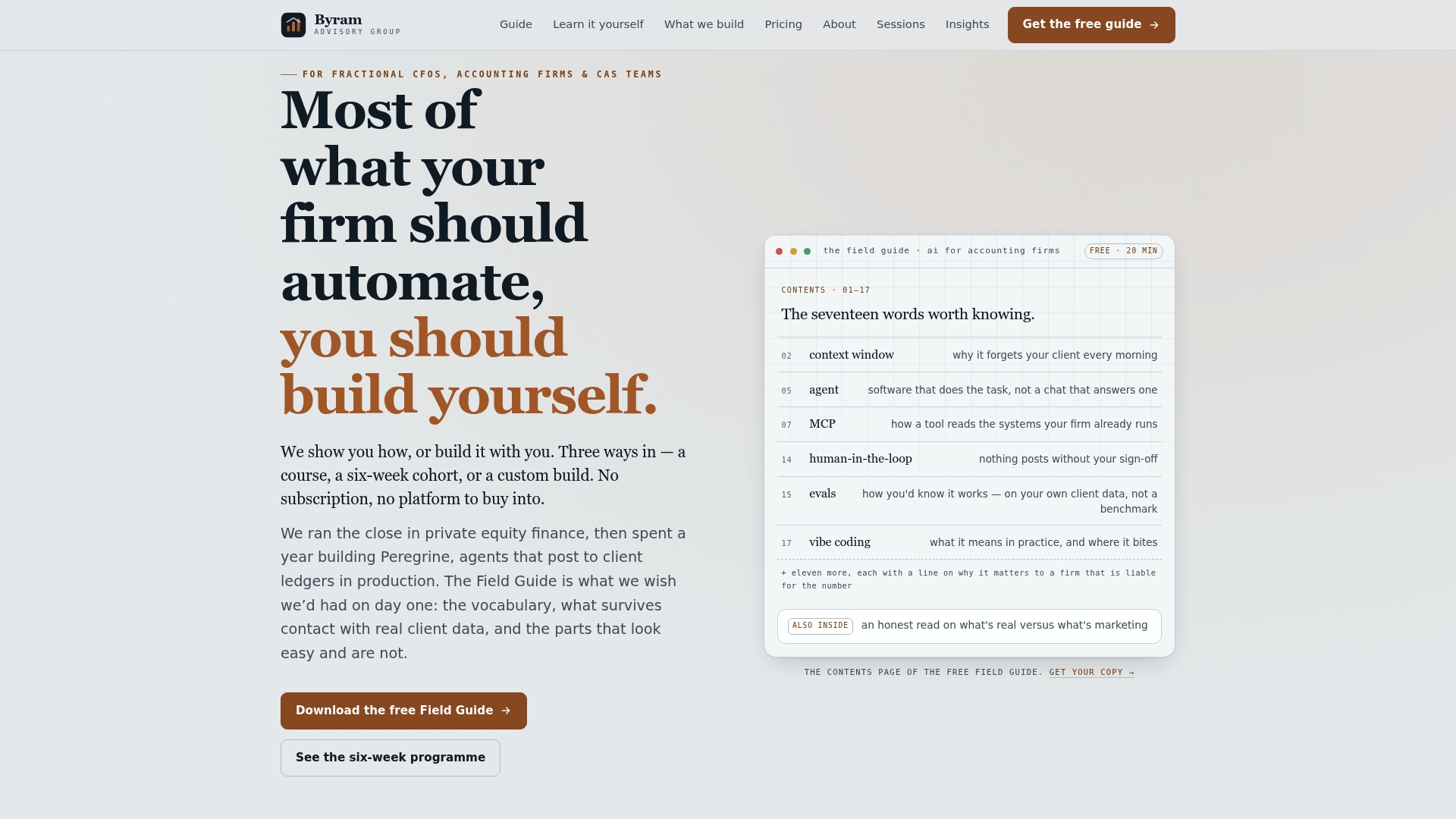
If you want to see the approach before committing, start with The Field Guide to AI for Accounting Firms, a free breakdown of how agentic workflows apply to real onboarding and month-end tasks. Firms ready to move faster can book The Sprint, a $2,000 one-off engagement that automates a single workflow, like your onboarding intake and setup sequence, in a focused build rather than a slow internal project. Teams that want to build this capability in-house can join The Bootcamp for cohort-based training on agentic workflow design. Whichever path fits your firm, the next step is the same: pick one workflow and stop doing it manually.
Sources
- NIST Cybersecurity Framework for small business
- IRS instructions for Form 2848
- New client onboarding done right: The process, checklist, and workflow you need | Moxo
- Client onboarding process flow: Complete guide with 7 steps | Assembly
FAQ
What Should Be Included in Client Onboarding?
A complete accounting client onboarding process includes a signed engagement letter with explicit exclusions, a secure portal invite, a structured intake form, document collection with automated reminders, software and access setup, a kickoff meeting with a named owner, and a first deliverable within 30 days. Each step needs a defined timeline and a responsible person, not just a general task list.
What Is the Best Client Onboarding Software for Accountants?
There isn't one universal answer, since firms benefit most from combining a secure client portal, e-signature tool, and workflow orchestration platform that integrates with their bookkeeping software rather than a single all-in-one product. Platforms like Peregrine focus on connecting those pieces to QuickBooks so automation doesn't create a second disconnected system.
How Do I Onboard a Bookkeeping Client?
Send the engagement letter for e-signature immediately after verbal agreement, then invite the client to a secure portal within 24 hours. Schedule a kickoff meeting within 72 hours to confirm scope and communication expectations, then collect prior financial records through a short, structured intake form rather than one long request.
How Much Does a Bookkeeper Charge Per Client?
Bookkeeping fees vary widely based on transaction volume, entity complexity, and whether the engagement includes reconciliation, payroll, or reporting, so there's no single standard rate to quote. Firms typically set pricing during the sales stage and document it precisely in the engagement letter before onboarding begins, avoiding ambiguity that leads to scope disputes later.