

An accounts payable approval workflow is the set of steps that routes an invoice to the right reviewers after it's captured and coded, so someone confirms the bill and its accounting treatment before the company posts or pays it. If you're starting from scratch, map your current approval rules first: who approves what, at what dollar amount, and why. The rest of this guide shows how to turn that map into an automated, audit-ready process.
Key Takeaways
Automating an accounts payable approval workflow requires clear routing rules, threshold-based auto-approval, exception handling, and ERP integration to cut cycle time and strengthen controls.
| Point | Details |
|---|---|
| Approval sits after coding | Route invoices for approval only after matching and GL coding are complete, never before. |
| Automation closes the cycle gap | Top-performing teams close invoices in about 3.1 days versus a 9.2-day average. |
| Build the fast-track first | Design a dedicated route for off-cycle and urgent payments before rollout, not after. |
| Track five core KPIs | Monitor time-to-approval, exception rate, auto-approval percentage, on-time payments, and per-invoice cost. |
| Byram Advisory supports rollout | Byram Advisory Group's Peregrine platform syncs with QuickBooks and pairs with a free Field Guide and paid implementation course for teams building this workflow. |
Table of Contents
- Where Approval Fits in the AP Approval Process
- Why Automating Invoice Approvals Pays Off
- What to Look for in an AP Approval Workflow Tool
- How Do You Roll Out an Automated AP Workflow?
- Which Approval Pattern Fits Your Company?
- Which KPIs Should You Track After Automating?
- Implementation Checklist and a Real-World Example
- What Most Teams Get Wrong About AP Approval Design
- How Byram Advisory Can Streamline Your AP Approval Workflow
- Sources
Where Approval Fits in the AP Approval Process
An invoice moves through several checkpoints before money leaves the building. The stages, in order:
- Intake: the invoice arrives by email, portal, or mail scan.
- Capture and logging: data gets extracted and entered into the system.
- Matching and validation: the invoice gets checked against a purchase order and receipt.
- GL coding: the expense gets assigned to the right account and department.
- Approval routing: the coded, validated invoice goes to a reviewer.
- Posting and payment: once approved, the invoice posts to the ledger and enters the payment run.
Approval has to happen after matching and coding, not before. Otherwise your reviewer is approving a number with no context, which is how errors sail through. Adobe's breakdown of the invoice approval process confirms this is exactly the stage Google surfaces when people search for a definition: routing and authorization sit between capture and posting, not before it.
Every invoice that reaches an approver should carry the invoice image, the PO and goods receipt (if applicable), the GL code, and basic vendor details. Missing any of those forces the approver to go hunting, which slows everything down.
Pro Tip: Build your exception filter before your approval filter. Catching mismatched invoices at the matching stage keeps bad data out of your approvers' queues entirely, instead of making them the last line of defense.
Why Automating Invoice Approvals Pays Off
Manual approval routing is the most common bottleneck in accounts payable. Industry benchmarks cited by Financial Cents put average invoice cycle time around 9.2 days, while top-performing teams close the loop in roughly 3.1 days. That gap is almost entirely a workflow design problem, not a staffing problem.
Automated AP approvals deliver:
- Faster approval cycles, since routing happens instantly instead of waiting for someone to walk a paper stack around the office.
- Fewer late payments and fewer missed early-payment discounts.
- Lower per-invoice processing costs, since automation reduces manual handoffs that otherwise eat staff hours.
- Fewer duplicate payments, because the system flags a repeat invoice number or amount before it reaches an approver.
- A timestamped, traceable audit trail that satisfies segregation-of-duties requirements automatically, rather than through manual sign-off logs.
Every approval gets a timestamp and a name attached. That's a control improvement most manual processes never manage consistently.
What to Look for in an AP Approval Workflow Tool
Not every automation tool covers the ground a finance team actually needs. At minimum, require these capabilities.
Routing and matching:
- Configurable routing rules by dollar amount, GL code, vendor, or entity.
- Threshold-based auto-approval for low-risk, fully matched invoices.
- Two-way or three-way PO matching with tolerance settings.
- A separate exception queue so mismatched invoices don't sit in an approver's main list.
- Delegation and escalation rules for when an approver is out or misses an SLA.
- An audit trail with timestamps, comments, and version history on every approval.
Integration:
- ERP and general ledger sync so approved data posts without manual re-entry.
- Vendor master synchronization to keep banking and contact details current.
- Bank and vendor verification to catch fraud attempts before payment.
- Contract and vendor management integration so approvers can see contract terms tied to the invoice.
Security and compliance:
- Role-based access control so approval rights map to job function, not convenience.
- Documented segregation of duties between requesters, approvers, and payment processors.
- Retention and recordkeeping settings that meet your audit and tax requirements.
- Third-party control evidence from the vendor. Ask for a SOC report before trusting a hosted platform with your financial data.
How Do You Roll Out an Automated AP Workflow?
Design and pilot the workflow in this order:
- Map your current state, including every manual step and every informal exception path people use today.
- Define your approval matrix: who approves which invoice types, at which dollar thresholds.
- Set auto-approval thresholds for low-risk, fully matched invoices.
- Configure routing rules by amount, GL code, vendor, and entity.
- Define exception handling, including who owns disputed or unmatched invoices.
- Select a pilot population, ideally one department or one vendor category.
- Integrate with your ERP so approved invoices sync without manual re-entry.
- Train approvers and backups on the new queue and escalation rules.
- Measure cycle time and exception rate against your old baseline.
- Iterate before rolling out company-wide.
Your pilot checklist should include a mix of invoice types (PO-based, non-PO, recurring), a full list of approvers and named backups, clear SLA targets, and a handful of deliberate exception scenarios.
Before go-live, test delegation (does a backup approver actually get notified?), escalation (does an overdue invoice actually bump up a level?), off-cycle and urgent payments, non-PO invoices, and how the system handles a brand-new vendor's first invoice. Skipping any of these tests means you'll find the gap during a real payment run, not during testing.
Which Approval Pattern Fits Your Company?
Most AP teams use some combination of these patterns:
- PO-based three-way match: invoice, purchase order, and goods receipt all have to agree within tolerance.
- Non-PO approvals: services, subscriptions, and one-off spend route straight to a manager for review.
- Multi-level sequential approval: larger invoices climb through two or three approval tiers.
- Conditional routing: rules based on GL code or entity send invoices to the right department automatically.
- Fast-track routing: urgent or off-cycle payments get a shortened path so they don't stall behind routine invoices.
An approval matrix mapping amount bands and GL codes to required approvers turns this into a lookup table rather than a judgment call. Reserve auto-approval for low-dollar, fully matched, low-risk categories, and keep manual review for anything outside tolerance or above a set threshold.
Which KPIs Should You Track After Automating?
Once the workflow is live, track it the same way you'd track any operational process. The metrics that matter most:
- Time-to-approval and total approval cycle time.
- Exception rate, meaning the share of invoices that leave the standard path.
- Percentage of invoices auto-approved versus manually reviewed.
- On-time payment rate.
- Per-invoice processing cost.
- Vendor aging trends, to catch whether automation is actually speeding up payment to key suppliers.
Given that top performers run at roughly 3.1 days versus a 9.2-day average cycle time, that gap is your rough target for how much automation should shrink your own cycle.
Run a handful of standing reports: approvals-by-approver (who's actually reviewing what), an exceptions dashboard, an SLA breach log, an off-cycle payment log, and a GL sync reconciliation report. Assign one owner per report. A KPI nobody's accountable for tends to get quietly ignored by month three.
Implementation Checklist and a Real-World Example
Before you flip the switch, confirm you have each of these in place:
- A named process owner accountable for the workflow.
- A defined intake channel (single inbox or portal, not five).
- Required invoice fields spelled out and enforced.
- A written approval matrix with thresholds.
- Delegation rules for every approver.
- A defined pilot scope.
- Integration points mapped to your ERP.
- A training plan with sample approval scripts.
- Go/no-go criteria for expanding beyond the pilot.
- A post-launch review window, typically 30 to 60 days.
A practical AP checklist built this way also forces you to define payment cutoffs and retention rules up front, not after your first audit request. Byram Advisory Group has walked fractional CFO clients through exactly this sequence when moving a manual approval chain onto an automated platform, starting with a single vendor category as the pilot before expanding company-wide.
Pro Tip: Store your SOPs and approval scripts somewhere approvers actually open, not a shared drive folder nobody remembers exists. A one-page script showing what to check before clicking "approve" cuts training time dramatically.
What Most Teams Get Wrong About AP Approval Design
The recurring mistake is designing only for the happy path. Teams build a clean flow for standard PO invoices, then leave urgent wires, disputed bills, and one-off vendor payments to manual handling, which quietly recreates the old bottleneck.
Build a fast-track route for exceptions from day one instead of retrofitting one later. Watch your exception rate weekly during rollout. Assign a single named process owner who reviews the approval matrix every quarter as vendor mix and volume shift.
How Byram Advisory Can Streamline Your AP Approval Workflow
Byram Advisory Group builds the workflow described above into a working system, not just a diagram. Our platform, Peregrine, syncs directly with QuickBooks so approved invoices post without manual re-entry, and it gives fractional CFOs the real-time visibility they need to catch a stalled approval before it becomes a late payment.
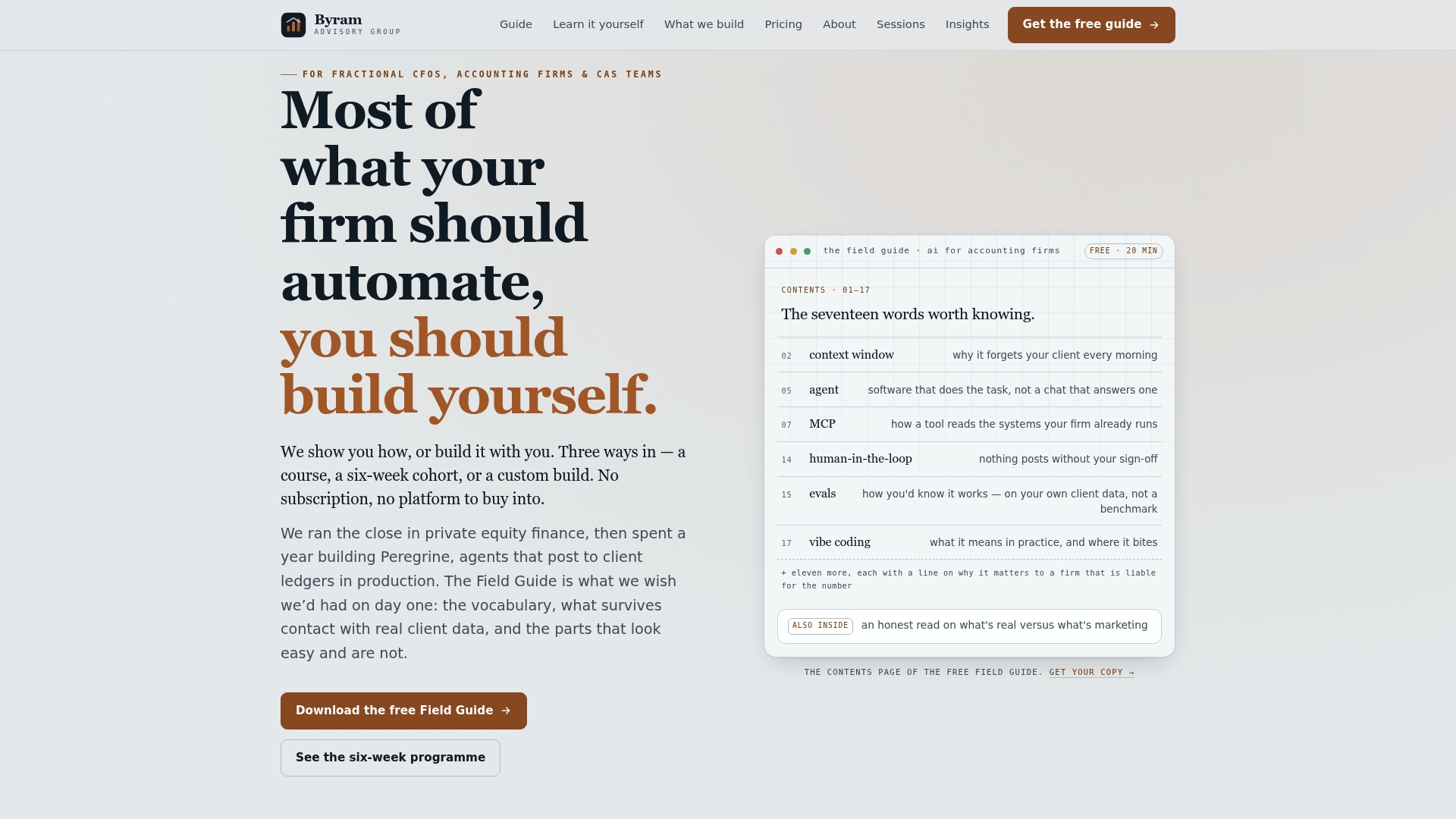
If you want to build this yourself, our Field Guide to AI for Accounting Firms walks through the same mapping and threshold-setting steps in template form, free to download. If you're ready to implement, the DIY AI Implementation Course gives your team a structured path to pilot an automated approval workflow in weeks rather than quarters. Start with the guide, or enroll in the course if you're ready to move now.
Sources
- What is the invoice approval workflow and process? — Adobe
- Invoice Approval Workflows: How to Design Routing That Stops Stuck Invoices — Corpay
- SOC for Service Organizations — AICPA