

Budget vs actuals automation consolidates plan and ledger data, flags only the variances that clear a materiality bar, and creates owner-driven tasks backed by evidence and an audit log. It pays off fastest when close already hurts: too many spreadsheets, slow variance turnaround, or a need to show auditors exactly who explained what and when.
TL;DR:
- Materiality thresholds should combine a 3 to 5 percent percentage gate with a dollar floor scaled to company size, such as $25,000 for mid-market firms.
- Accurate standardization of accounts and periods is crucial to prevent noise and false variances caused by mismatched data structures before automation can deliver reliable insights.
- Keeping alert volume low—fewer than a handful per owner per week—is key to ensuring variances are addressed promptly and system trust is built.
- Finalizing calculation accuracy and applying the thresholds before gathering owner commentary reduces bias and ensures the audit trail remains credible.
- The failure of automation projects often stems from poor governance, especially the absence of clear ownership, SLAs, and accountability structures, not the technology itself.
Table of Contents
- What Is Budget Vs Actuals Automation?
- Why Does Automation Matter for FP&A Teams?
- How Does an Automated Budget Vs Actual Flow Work?
- A 90-Day Plan to Automate Budget Vs Actuals Reporting
- What Is the Right Materiality Threshold for Variance Alerts?
- What Mistakes Should Finance Teams Avoid?
- Quick-Start Checklist for a Budget Vs Actuals Pilot
- From Flagged Variance to Resolved Task: A Walkthrough
- How Byram Advisory Supports Automation Projects
- The Real Bottleneck Isn't the Software
- Start Your Automation Pilot With Byram Advisory
- Sources
- FAQ
What Is Budget Vs Actuals Automation?
Budget vs actuals automation is the pairing of an automated comparison engine with an exception workflow. Instead of a controller rebuilding a variance tab every month, the system pulls both sides of the comparison, maps them to a common structure, and routes only the differences worth a human's attention.
The core components show up in every serious implementation:
- Budget source — the approved plan, by account and period
- Actuals source — the general ledger feed, usually pulled straight from the accounting system
- Mapping rules — logic that reconciles chart of accounts (COA) structures and calendar periods between the two sides
- Variance engine — the calculation layer producing both dollar and percent variance
- Classification logic — rules that sort variances by materiality, timing, or root cause
- Alerting and workflow — the mechanism that assigns a flagged line to an owner
- Commentary capture — a structured place for the explanation, not a comment buried in an email thread
- Audit trail — a record of who saw what, when, and what they decided
It helps to keep the three related terms straight: the budget is what you planned, the forecast is your updated view of where the year is heading, and actuals are what the ledger actually recorded. Automation compares actuals against both, but the two-gate governance discussed later applies to the budget comparison specifically.
Why Does Automation Matter for FP&A Teams?
Manual variance packs eat days. Some finance teams report cutting reporting cycles from a full day or more of manual reconciliation down to a matter of hours once ingestion and matching run automatically, though the size of that gain tracks closely with how clean the underlying data integration already is.
The bigger shift is behavioral, not just faster spreadsheets:
- Fewer manual errors — one automated matching pass replaces dozens of copy-paste reconciliations
- A single source of truth — everyone works from the same variance numbers instead of competing versions
- Real accountability — an assigned task with a deadline replaces a vague "someone should look into that" comment in a meeting
- Near-real-time monitoring — variances surface days or weeks earlier than a month-end close cycle allows, which feeds directly back into the next forecast revision
That last point is where automation actually changes decisions rather than just documentation. A flagged overage in week two of the month gives a department head time to act before the number becomes a closed-book surprise.
How Does an Automated Budget Vs Actual Flow Work?
The mechanics follow a consistent sequence regardless of company size. A typical flow ingests budgets and actuals, standardizes accounts and periods, matches budget to the general ledger, computes variance, classifies exceptions, and routes tasks to owners, closing the loop with commentary and an audit record.
- Ingest budget data and actuals from the accounting system, typically via direct integration rather than file export
- Standardize accounts and periods so both sides speak the same structural language
- Match and calculate absolute dollar variance and percent variance for every line
- Classify each variance by materiality, by whether it looks like timing versus a permanent shift, and by origin (revenue, COGS, opex)
- Route flagged items as tasks to the accountable owner, attaching the underlying transaction detail
- Capture commentary and log the decision outcome for audit purposes
Standardization is the part teams underestimate. If the budget was built on a different COA version than the current ledger, or if fiscal periods don't align cleanly (a 4-4-5 calendar versus a calendar month, for instance), the variance engine produces noise instead of signal. Getting the grain and period aligned before building the comparison matters more than any downstream automation choice.
AI adds the most value at the edges of this flow: auto-tagging transactions to likely categories, drafting a first-pass commentary suggestion an owner can edit rather than write from scratch, and prioritizing which flagged variances need attention first based on historical patterns.
Pro Tip: Build the drill-down before you build the dashboard. A summary variance number with no path to the underlying invoices just moves the argument from the meeting to the inbox. Transaction-level drill-down is what turns a report into something a manager can actually act on.
A 90-Day Plan to Automate Budget Vs Actuals Reporting

Piloting a narrow slice of the P&L and proving it works reduces organizational pushback far more effectively than a big-bang rollout across every cost center at once.
Phase 1 (weeks 0 to 4): Foundation
- Inventory current reporting: where variance data lives today, who touches it, how long it takes
- Select two or three pilot P&L lines with a history of variance noise
- Map the chart of accounts and confirm period grain matches between budget and ledger
- Pick and connect the data sources (accounting system export or direct integration)
Phase 2 (weeks 4 to 8): Build
- Automate ingestion and the variance calculation itself
- Set initial materiality thresholds (start conservative)
- Build drill-down access to transaction detail and a basic report view
Phase 3 (weeks 8 to 12): Operationalize
- Route alerts to named owners with a response deadline
- Require commentary before a variance can be marked resolved
- Review threshold performance and tighten or loosen as needed
- Formalize service-level agreements for response time
Acceptance criteria worth tracking at each checkpoint:
- Matching rate above roughly 95% between budget and actuals lines by end of Phase 2
- Alert volume low enough that owners actually open every one (fewer than a handful per week per owner is a reasonable early target)
- Commentary completion rate above 90% within the agreed SLA window by end of Phase 3
The Field Guide to AI for Accounting Firms walks through a version of this same phased structure for teams building their first automation pilot.
What Is the Right Materiality Threshold for Variance Alerts?
The most reliable defense against alert fatigue is the two-gate rule: flag a variance only when it clears both a percentage threshold and an absolute dollar threshold. A common starting pair is 3 to 5 percent combined with a dollar floor around $25,000, though the right numbers scale with company size.
- A startup running a lean budget might use a 5% gate with a $5,000 floor, since a small dollar miss can still be meaningful against a thin plan
- A mid-market company often lands closer to 4% and $25,000, balancing sensitivity against alert volume
- An enterprise with larger cost centers might raise the dollar gate to $100,000 or more while keeping the percent gate similar
Without the dollar gate, a tiny account with a large percent swing (say, a $200 line that doubled) triggers the same alert as a genuinely material miss. Without the percent gate, a large account can drift by a small percentage and still throw a huge dollar figure that isn't actually unusual for its size. Both gates feed directly into how alerts route and escalate, and calibrating conservatively at first then tightening once trust is established beats starting aggressive and drowning owners in noise.
What Mistakes Should Finance Teams Avoid?
Most automation failures trace back to design choices, not the tools themselves. COA mismatches, timing and accrual gaps, alert fatigue, and missing drill-down access account for the bulk of failed pilots.
- Master-data mismatches — a budget built on one account structure and actuals pulled from a different one guarantee false variances
- Alert fatigue — thresholds set too loose bury owners in noise until they start ignoring the system entirely
- No named owners or SLAs — a flagged variance with nobody accountable just sits there
- Finalizing the story before the math — drafting an explanation before the calculation is locked invites motivated reasoning
Pro Tip: Finalize the variance calculation, apply the materiality threshold, and only then collect commentary. Reversing that order tempts people to explain a number they haven't actually confirmed yet.
Quick-Start Checklist for a Budget Vs Actuals Pilot
Before writing a single automation rule, lock down these six items:
- Choose two or three pilot P&L lines with real variance history
- Map every account involved to a single, agreed chart of accounts
- Set two-gate thresholds (percent and dollar) scaled to your company size
- Assign a named owner and a response SLA for every flagged variance
- Enable drill-down to transaction-level detail before launch
- Schedule a fixed reporting cadence (weekly during pilot, then monthly)
| Pilot signal | Healthy target |
|---|---|
| Matching rate (budget to actuals) | Above 95% |
| Alert volume per owner per week | Low enough that every alert gets opened |
| Commentary completion within SLA | Above 90% |
From Flagged Variance to Resolved Task: A Walkthrough
- The variance engine flags the line automatically the morning after month-end close
- A task is created and routed to the marketing budget owner, with the underlying invoices attached
- The owner reviews the transaction detail and attaches evidence: a vendor invoice for a campaign that ran earlier than planned
- The owner classifies the variance as timing, not permanent, since the spend was pulled forward from next month
- The forecast updates to reflect the shift, and the task closes with a timestamped record of the classification and the evidence behind it
The output isn't just a resolved task. It's a report showing the flag time, the owner's response time, the commentary, and the audit trail behind the decision. That record is exactly what holds up when an external reviewer asks why a number moved.
How Byram Advisory Supports Automation Projects
Byram Advisory Group builds custom financial workflow tools for fractional CFOs and accounting teams, pairing automation with the training to actually run it. Its platform, Peregrine, connects directly to accounting systems like QuickBooks to automate the ingestion and matching work described above without removing human oversight from the final call. For teams starting from scratch, the Field Guide lays out a practical starting structure, backed by tailored training for firms that want hands-on implementation support rather than a generic playbook.
The Real Bottleneck Isn't the Software
Most of the advice circulating about budget automation focuses on the tooling: which platform, which integration, which dashboard. That's the wrong starting point. The research behind this piece points somewhere else entirely: the failure mode that kills these projects is almost always a governance gap, not a technology gap. Teams automate the calculation and skip the ownership model, then wonder why variances still sit unresolved for weeks.
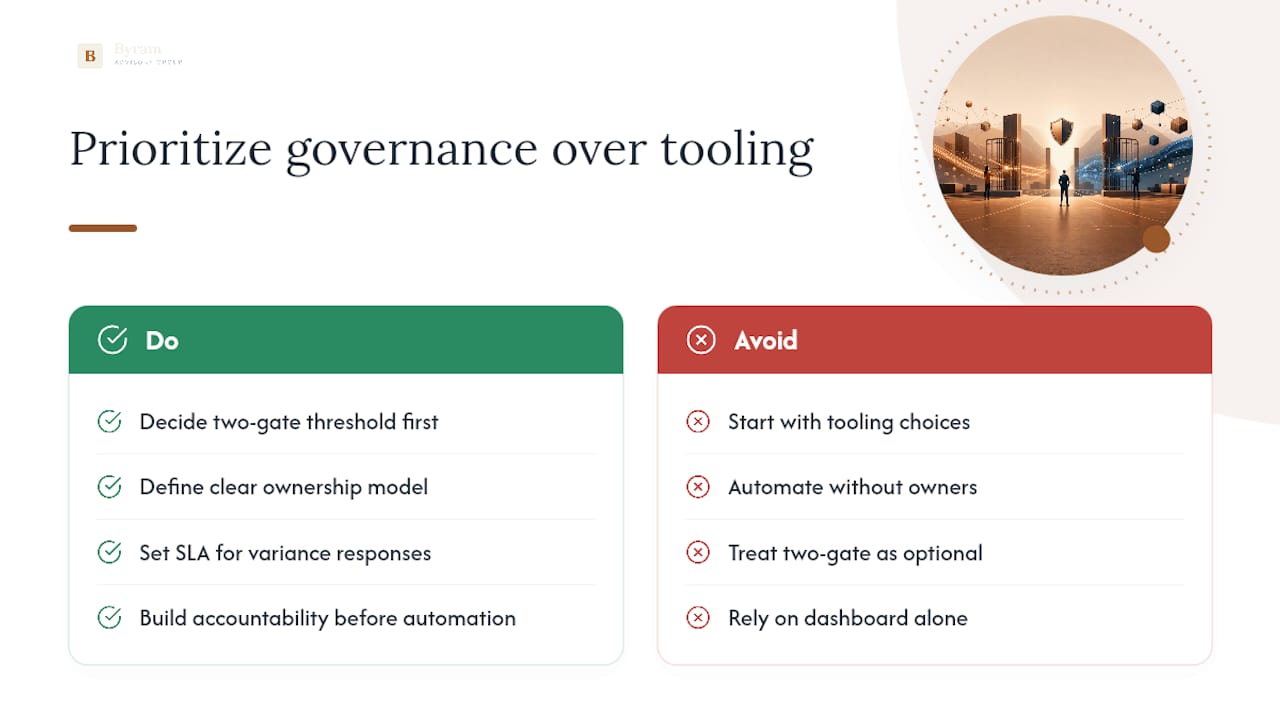
The two-gate threshold gets treated as a nice-to-have in a lot of implementations, when it should be the first decision made, before a single integration is built. Skip it, and you either drown owners in noise or miss the misses that actually matter. Either failure mode kills trust in the system within a quarter.
If there's one thing to prioritize first, it's the SLA, not the dashboard. A beautiful variance report that nobody is contractually obligated to respond to is just a more expensive spreadsheet. Build the accountability structure before you build the automation, and the automation actually sticks.
— Owen
Start Your Automation Pilot With Byram Advisory
If you're comparing spreadsheet rebuilds against a real automation pilot, Byram Advisory's edge is simple: you get a platform built specifically for fractional CFOs and accounting teams, not a generic BI tool retrofitted for finance.
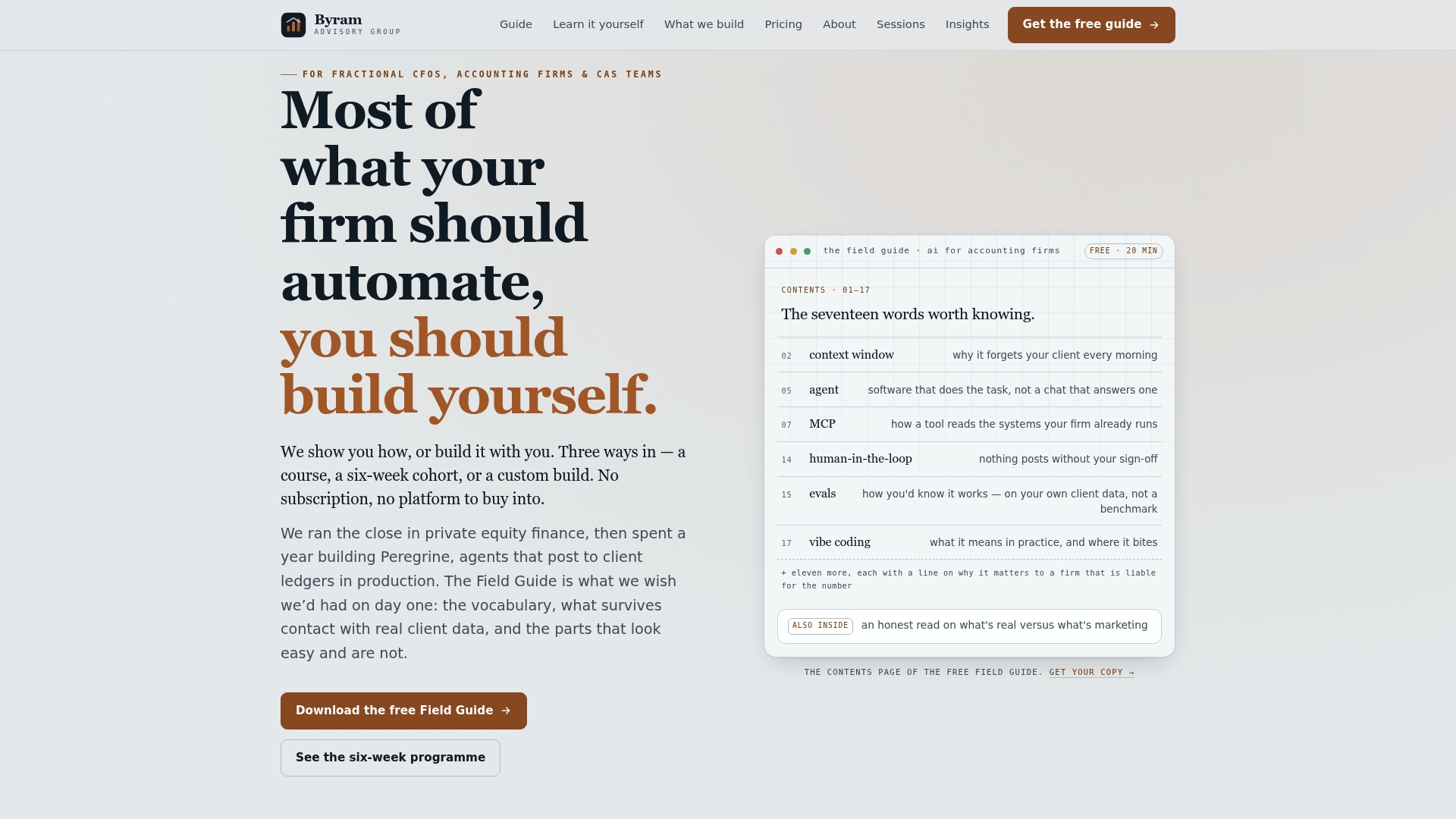
Peregrine connects to QuickBooks and other accounting systems to automate the ingestion, mapping, and variance flagging covered in this guide, while keeping every decision visible to an owner instead of hidden inside a black box. If you want to see the phased approach before committing to anything, start with the free Field Guide to AI for Accounting Firms, which walks through the same 90-day structure in more implementation detail. Ready to build it yourself with structured support? The DIY implementation course gives your team the training to run the pilot in house. Either way, the next step is the same: download the guide, run the checklist against your own P&L, and see what your matching rate actually looks like.
Sources
- Building flux and variance thresholds that actually work — Forbes Finance Council (2025)
- Budget vs actuals automation: how to automate variance analysis in finance — Abstra
- How to build a budget vs actual report — Basedash
- Variance analysis overview — IBM / Apptio documentation
FAQ
How Do You Automate a Budget?
Automating a budget vs actuals process means connecting your budget and ledger data sources, standardizing accounts and periods, and letting a variance engine calculate and classify differences automatically, then routing only the material ones to an owner as a task.
What Is the 50/30/20 Rule for a Budget?
It's a household budgeting framework, distinct from the account-level thresholds finance teams use for corporate variance alerts.
What Is the 70/10/10/10 Budget Rule?
Like certain individual money management rules, it applies to personal finance, not corporate budget vs actuals reporting.
What Is the Difference Between Actuals and Budgets?
A budget is the approved financial plan for a period; actuals are the real transactions recorded in the ledger for that same period. Budget vs actuals automation compares the two directly, while a forecast represents an updated projection distinct from either the original budget or the recorded actuals.