

Most growing QuickBooks users should move to accrual accounting once revenue, inventory, or investor reporting gets involved, but cash basis stays the practical default for very small, service-only operations still tracking cash in the bank. QuickBooks can display reports in either basis, and your company preference sets what shows up by default. Before you touch that setting, check IRS rules and talk to a CPA. Some businesses don't get to choose.
TL;DR:
- Switching to accrual accounting is often necessary if a business has inventory, seeks investor funding, or exceeds IRS revenue thresholds, regardless of quickBooks settings.
- QuickBooks displays reports in the default company preference but requires manual filter adjustments to view the other basis, especially for detailed transaction reports.
- Partial payments and invoice timing can cause significant discrepancies in sales tax liabilities and revenue reporting if basis changes are not carefully managed.
- Before changing methods, it is crucial to review prior-year data, run parallel reports, and consult a CPA to ensure compliance and data consistency.
- Automating reconciliation and payment-application reviews reduces errors and audit risks when managing basis transitions across multiple client entities.
Table of Contents
- Cash vs Accrual QuickBooks: The At-a-Glance Comparison
- How Cash and Accrual Behave Differently Inside QuickBooks
- When Should You Use Cash vs Accrual Accounting?
- How to Change and Verify Your Accounting Basis in QuickBooks
- Common QuickBooks Mistakes When Switching Basis
- Your Decision Checklist Before Switching Accounting Methods
- Why Automation Matters Once You Change Basis
- Byram Advisory Resources for QuickBooks Basis Management
- Where to Verify These Rules Yourself
- Sources
Cash vs Accrual QuickBooks: The At-a-Glance Comparison
Cash basis records income the moment money hits your bank account and expenses the moment you pay them. Accrual basis records income when you send the invoice and expenses when you receive the bill, regardless of when cash actually moves. That timing gap is the entire difference, and it changes almost everything downstream in your books.
QuickBooks lays this out plainly: cash basis aligns closely with your actual bank cash flow and stays simple for small operations, while accrual gives a more accurate long-term picture of how the business is actually performing. Neither is "more correct" in a vacuum. It depends on what you're trying to see.
Here's how that plays out for three common QuickBooks users:
- Sole proprietor consultant, no inventory: Cash basis usually works fine. Revenue and expenses track closely to what's in the bank, and there's little timing distortion to worry about.
- Service business with 30 to 60 day payment terms: Accrual basis gives a truer read on monthly performance, since cash basis can make a strong month look weak just because clients paid late.
- Inventory-heavy retailer or product seller: Accrual basis (often required) matches revenue to the period the sale happened, not whenever the customer's check clears.
The trade-off is simple: cash basis is easier to maintain but can hide real financial trends; accrual basis is more accurate but takes more bookkeeping discipline to keep clean.
How Cash and Accrual Behave Differently Inside QuickBooks
QuickBooks doesn't just let you pick a basis once and forget it. Your company-level accounting method preference sets what most summary reports show by default, but you can toggle the basis on nearly any individual report using the "Cash" or "Accrual" filter at the top. That flexibility is useful and also where a lot of confusion starts, because detail reports in QuickBooks default to accrual even when your company preference is set to cash. If you're pulling a transaction-level report expecting cash figures, you'll need to manually reset that filter every time.
Sales tax is where the basis choice really bites. QuickBooks handles this differently depending on your setting:
- Accrual basis: The full sales tax liability posts the moment you create the invoice, even if the customer hasn't paid a dime yet.
- Cash basis: Sales tax liability posts only when payment is received, which means a $1,000 invoice with $600 paid in March and $400 paid in April splits the tax liability across two reporting periods.
Under accrual, you'd report the full $80 the month you invoiced. Under cash, you'd report $48 in March (on the $600 received) and $32 in April (on the remaining $400). Miss that split and your sales tax return won't match your books.
On the income statement, an unpaid invoice shows up as revenue under accrual but not under cash. On the balance sheet, that same invoice sits in accounts receivable either way, but under cash basis it never touches your income statement until the payment posts. That's the disconnect that trips up new QuickBooks users the most.
When Should You Use Cash vs Accrual Accounting?
The IRS doesn't leave this entirely up to preference. IRS Publication 538 spells out when a business must use accrual, largely tied to inventory and gross receipts. If you carry inventory for sale to customers, the IRS generally expects you to account for it using accrual methods for purchases and sales, even if you use cash basis elsewhere. Certain larger corporations also face accrual requirements based on revenue thresholds. This isn't a QuickBooks setting decision at that point. It's a compliance one, and it's worth confirming your specific situation with a CPA before you file.
Outside the strict tax rules, a few practical signals tend to point toward one method or the other:
- Lean toward accrual if: you carry inventory, you're seeking a loan or investor funding, you need GAAP-style financial statements, or your revenue has grown past the point where cash timing hides real trends.
- Lean toward cash if: you're a very small operation without inventory, your main concern is knowing exactly how much cash you have on hand, and your invoicing cycle is short enough that timing gaps barely matter.
- Weigh the cost: switching to accrual usually means more bookkeeping hours, possibly a part-time bookkeeper or outsourced service, and a learning curve for anyone used to reading cash-basis reports.
None of these signals override IRS requirements. They just help you decide when you have a choice to make in the first place.
How to Change and Verify Your Accounting Basis in QuickBooks
Switching your QuickBooks accounting method isn't just flipping one switch and moving on. Do it in this order:
- Check the company setting. In QuickBooks Online, go to Settings, then Account and Settings, then Advanced, and look for the Accounting section to confirm your current default method.
- Change the preference. Update the accounting method there, understanding this changes the default basis for most summary reports going forward, not historical filings.
- Run parallel reports before committing. Pull your income statement and balance sheet under both bases for the same period and compare the numbers side by side.
- Toggle individual reports as needed. Most reports carry a "Cash/Accrual" filter near the report settings, letting you view either basis without changing your company-wide default. Remember that detail reports may snap back to accrual on the next refresh.
- Reconcile after the switch. Confirm your accounts receivable and accounts payable balances still tie out, and check that retained earnings didn't shift unexpectedly.
Pro Tip: Before you change anything, export your current reports as a backup snapshot. If the numbers look wrong after switching, you'll want something to compare against rather than guessing what changed.
This mirrors standard guidance to run a trial parallel period, reconcile retained earnings, and document any adjustments in a memo, which matters if you ever need to explain the change to a lender, investor, or the IRS.

Common QuickBooks Mistakes When Switching Basis
Partial payments cause more sales-tax headaches than almost anything else in QuickBooks. Automating payment-application rules reduces the reporting mismatches that happen when a payment gets applied to the wrong invoice or split incorrectly across periods.
The most common pitfalls:
- Assuming a report is showing cash basis because your company preference says "cash," when the detail report you're looking at defaulted back to accrual.
- Letting partial payments post without checking which invoice, and which tax period, they actually landed on.
- Forgetting that switching basis mid-year changes historical comparisons unless you re-run prior periods under the new setting.
Pro Tip: Set a recurring monthly reconciliation job specifically to flag invoices with partial payments. Catching a misapplied payment in the same month beats untangling it during tax season.
Scheduled reconciliation and payment-review rules protect data integrity far better than a once-a-year cleanup, especially once you're managing more than one entity's books.
Your Decision Checklist Before Switching Accounting Methods
Answer these five questions honestly before you touch your QuickBooks settings:
- Do you carry inventory? If yes, accrual accounting for inventory transactions is likely required regardless of your preference elsewhere.
- Are you approaching IRS revenue thresholds that would require accrual accounting under Publication 538?
- Are you seeking financing from a bank or investor that expects GAAP-style accrual statements?
- How far apart are your invoice dates and payment dates? A wide gap means cash basis is probably distorting your monthly picture.
- Do lenders or investors have specific reporting requirements already written into an agreement?
Before making any change, pull your prior-year tax returns, a current trial balance, and your accounts receivable and accounts payable aging reports. Then: run parallel reports for at least one full period, loop in your CPA before finalizing anything, and document the change formally if the IRS requires notification for your entity type.
Why Automation Matters Once You Change Basis
Switching accounting methods in QuickBooks is where manual bookkeeping tends to break down. Reconciliation gaps, misapplied partial payments, and reports that quietly default back to accrual all create the kind of data integrity problems that show up during an audit or a lender review. Some firms build automated checks for this: scheduled report validation, payment-application review, and reconciliation rules that catch mismatches before they compound across multiple client entities.
— Owen
Byram Advisory Resources for QuickBooks Basis Management
Switching between cash and accrual in QuickBooks exposes gaps that manual review often misses, especially across partial payments and report defaults that revert without warning. Automation approaches exist specifically for firms managing this across multiple client entities at once.
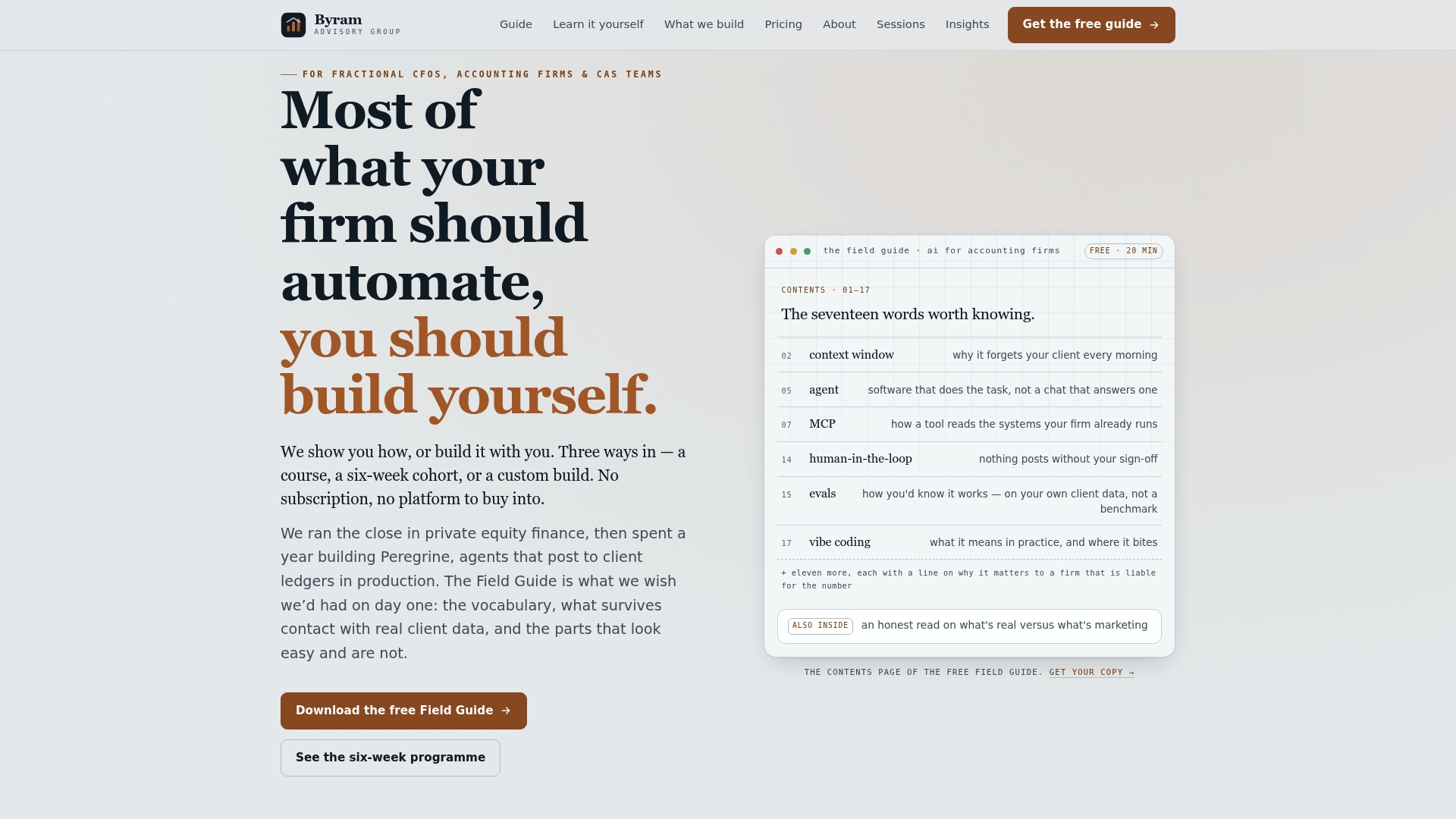
If you want a starting point before committing to any paid engagement, download the free Field Guide to AI for accounting firms, which walks through practical automation steps for exactly this kind of basis-sensitive workflow. Firms ready to build automated payment-application rules and scheduled reconciliation checks can look at automation services, built to integrate directly with QuickBooks rather than replace it. For teams that prefer to implement automation themselves, the DIY AI Implementation Course covers the same principles at your own pace. Start with the Field Guide if you're not sure which fits your firm yet.
Where to Verify These Rules Yourself
- IRS Publication 538: the governing tax rules for accounting method selection.
- QuickBooks support: choosing cash vs accrual: product-specific setup steps.
This article is general information, not a substitute for advice from a qualified financial advisor. Consult a qualified financial professional about your own circumstances before acting on anything here.
Sources
- Choose between cash and accrual accounting methods in QuickBooks Online
- Cash vs Accrual Accounting? What are the main differences a business should know in 2026
- IRS Publication 538, Accounting Periods and Methods