

A reconciliation status dashboard gives finance teams a live, color-coded view of which accounts are matched, which have exceptions, and how current that picture is. Its core job is prioritization: it tells you where to look first, who owns the fix, and whether you can defend the numbers to an auditor tomorrow morning. The real signal to watch is the reconciled-through date paired with a shrinking pile of aged unmatched items.
TL;DR:
- A reconciliation dashboard shows the current status of accounts with color codes and key metrics like balance gaps, oldest unreconciled items, and refresh timestamps.
- Sorting exceptions by dollar amount and age helps prioritize large, recent issues first, with materiality thresholds preventing insignificant gaps from causing alarm.
- Trustworthy dashboards rely on clean data feeds that preserve raw transaction IDs, timestamps, currency, and balances, alerting users to feed failures with missing or stagnant data.
- Addressing red flags requires assigning owners, setting SLAs, drilling into common causes, and documenting fixes to keep the reconciliation process manageable and audit-ready.
- Off-the-shelf solutions like Peregrine automate match suggestions while maintaining human sign-off, ensuring compliance and control without sacrificing ownership or flexibility.
Table of Contents
- What Goes Into a Reconciliation Dashboard
- Reading the Numbers: Matched, Unmatched, and Age
- The Data Feeds Behind a Trustworthy Dashboard
- Triage: How to Turn a Red Dashboard Into a Clean One
- Using the Dashboard for Period-End and Compliance Reporting
- How Peregrine Cuts Reconciliation Load Without Cutting Oversight
- What Actually Breaks When Teams Move Off Spreadsheets
- Get Your Dashboard Built Instead of Hand-Rolled
- Where to Look Next for Build Details
- Sources
- FAQ
What Goes Into a Reconciliation Dashboard
Most reconciliation dashboards organize around a handful of tiles that answer one question each: how much work is left, and how fresh is the data. At the top, expect KPIs like open reconciliations, total unmatched dollar amount, and a reconciled-through date showing the last fully signed-off period.
Below that sits the grid, and its columns matter more than the tiles above them. Look for:
- Status — usually a color, not a word: red for exceptions, yellow for in progress, green for fully reconciled
- Balances out by — the dollar gap between bank and ledger for that account
- Oldest unreconciled item — the single stalest transaction still sitting open
- Unreconciled items count — how many lines still need a match
- Last refresh — when the feed last pulled data
Microsoft Dynamics 365's account reconciliation workspace follows this pattern closely, using color-coded status indicators across a grid of module and legal entity combinations, with the status column showing an exceptions count until the account clears to "Fully reconciled." Burndown charts and an exceptions snapshot round out the visual layer, giving you a trend line instead of just a snapshot.
Reading the Numbers: Matched, Unmatched, and Age
Matched means a bank line and a ledger line agree on amount, date, and reference. Unmatched means one side has no partner, and that gap (often labeled recon_diff) is the number you're actually chasing down. A Power BI reconciliation example that computes Recon_Diff across multi-entity trial balances shows why this single figure, not the raw transaction count, should drive your attention.
Age buckets turn a flat list into a priority queue. A workable framework looks like this:
- 0 to 2 days — timing lag, usually resolves on its own
- 3 to 7 days — worth a glance, often a posting delay
- 8 to 30 days — needs an owner and a note
- 30+ days — treat as a risk flag until proven otherwise
Pro Tip: Sort your exceptions list by dollar value before you sort by age. A $40,000 item sitting three days old deserves attention before a $12 item that's been open for six weeks.
Materiality thresholds keep this practical. A bank reconciliation dashboard built in Metabase tracks unmatched amount by age specifically so small, immaterial gaps don't trigger the same urgency as large ones. Set your own dollar cutoff by account risk, not by a blanket rule.
The Data Feeds Behind a Trustworthy Dashboard
A dashboard is only as honest as its feeds. Three source tables need to stay clean: bank statement lines, ledger cash journal lines, and the match table connecting them with stable IDs that survive re-imports.
Each record needs a few non-negotiable fields:
- Raw transaction ID from the source system, never regenerated on refresh
- Timestamp of the transaction and the timestamp of the feed pull itself
- Posting currency, especially for multi-entity books
- Running balance, so a broken match shows up immediately as a balance gap
Metabase's build guidance recommends syncing source systems while retaining raw IDs and timestamps, then modeling reconciled tables at the business grain and adding filters for entity, bank, currency, match status, and age. Missing days in a feed, or a refresh timestamp that hasn't moved in 36 hours, are the two most common signs a connector has quietly failed.
Triage: How to Turn a Red Dashboard Into a Clean One
A dashboard full of red tiles is not a crisis, it's a to-do list. The order you work it in determines whether close day is calm or chaotic.
- Sort by value and age together. Pull the "top exceptions by value" snapshot first. A real-time cash reconciliation dashboard surfaces exactly this view so large-dollar items never hide behind a long tail of small ones.
- Assign an owner to every item over your materiality threshold. No exception sits unassigned past the first triage pass.
- Set a resolution SLA. Three business days for standard items, same day for anything flagged high risk.
- Drill into common causes. Duplicate postings, deposits in transit, unrecorded bank fees, and simple timing differences explain most unmatched lines.
- Document the fix. Write one line on what caused the gap and how it closed. That note is your audit trail later.
Pro Tip: Deposits in transit and bank fees account for a large share of "false" exceptions. Build a quick reference sheet of your recurring fee types so junior staff can clear those in seconds instead of escalating them.
Using the Dashboard for Period-End and Compliance Reporting
Close reporting needs a different lens than daily triage: completion, not just status. Compliance dashboards typically track completion metrics by risk rating, account type, and organizational unit, which lets a controller answer "are we done" for a whole business unit in one glance instead of account by account.
Burndown charts add the time dimension auditors actually care about. Oracle's example compliance dashboard pairs an open reconciliations view by account type with a burndown chart tracking remediation velocity, plus a high-risk list and a preparer-level pivot for accountability.
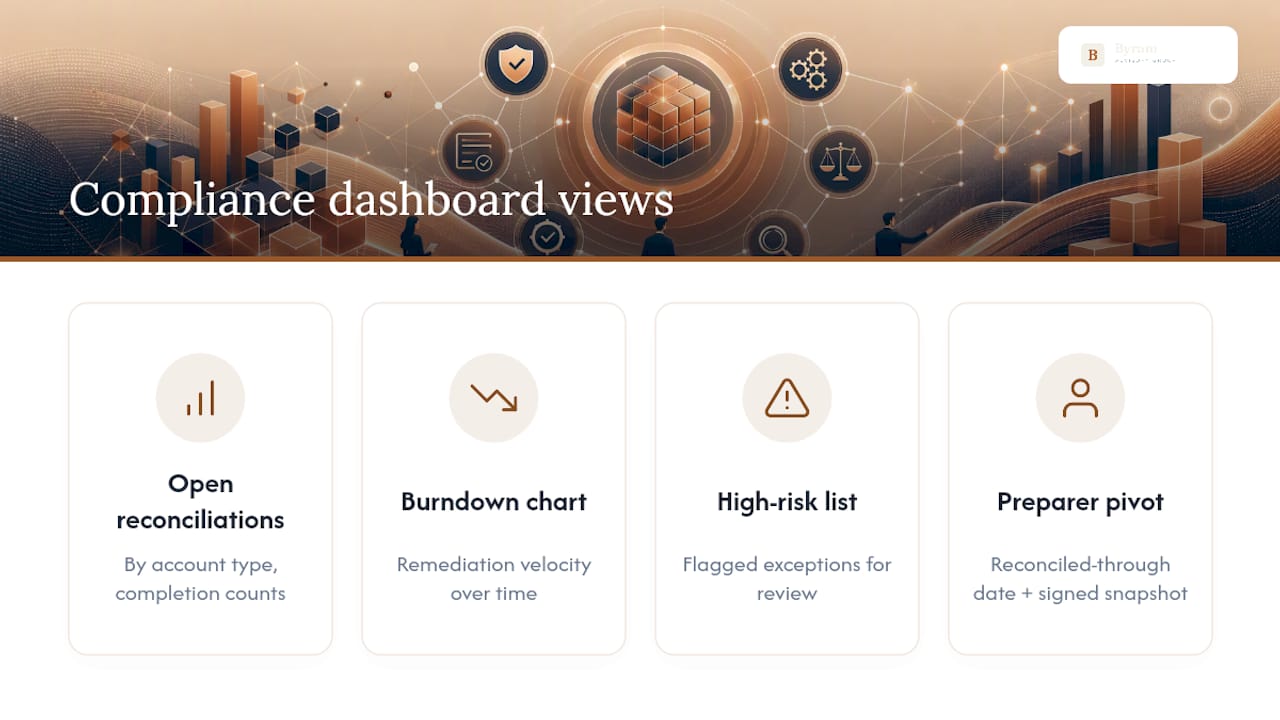
The single most defensible piece of evidence you can produce is a captured reconciled-through date with a signed-off snapshot attached to it. Auditors don't want your live dashboard. They want proof of what it said on the day someone signed off, which is why AICPA's SOC guidance treats that kind of timestamped evidence as core to control testing.
How Peregrine Cuts Reconciliation Load Without Cutting Oversight
Byram-advisory built Peregrine to solve the problem most dashboards expose but don't fix: the manual work behind the matches. Peregrine integrates directly with QuickBooks, preserving stable transaction IDs so match suggestions don't break every time a feed refreshes, and every automated match still routes through mandatory human sign-off before it's final.
That structure matters more than the automation itself. Automated suggestions without a human checkpoint create speed without defensibility, and speed without defensibility is worthless the moment an auditor asks how a match was made.
If you're evaluating any automation partner for this work, run it through four checks:
- Does it preserve raw IDs and timestamps instead of regenerating them on sync?
- Does every automated action pass through a documented human sign-off step?
- Can it report at the granularity your compliance dashboard actually needs (account, entity, risk rating)?
- Do you keep ownership of the resulting process and code, or does it stay locked to the vendor?
Pro Tip: Ask any automation vendor what happens to your match logic if you cancel the contract. If the answer involves losing your rules and history, you don't own your process, you're renting it.
What Actually Breaks When Teams Move Off Spreadsheets
Teams moving from spreadsheets to a live dashboard almost always see exceptions spike at first. That's not the tool failing, it's the tool finally showing you what the spreadsheet was hiding. Fix mapping and feed completeness before you touch match automation rules; automating against a broken feed just automates the wrong answer faster. Start with two or three accounts, prove the workflow, then write your sign-off SLA before you scale to the rest of the ledger.
— Owen
Get Your Dashboard Built Instead of Hand-Rolled
Byram-advisory is the alternative to building a reconciliation dashboard from scratch or babysitting a spreadsheet through every close. Clients keep the code and process IP their engagement produces, so the system you get runs independently of Byram-advisory afterward and can be changed without being locked into anyone's platform.
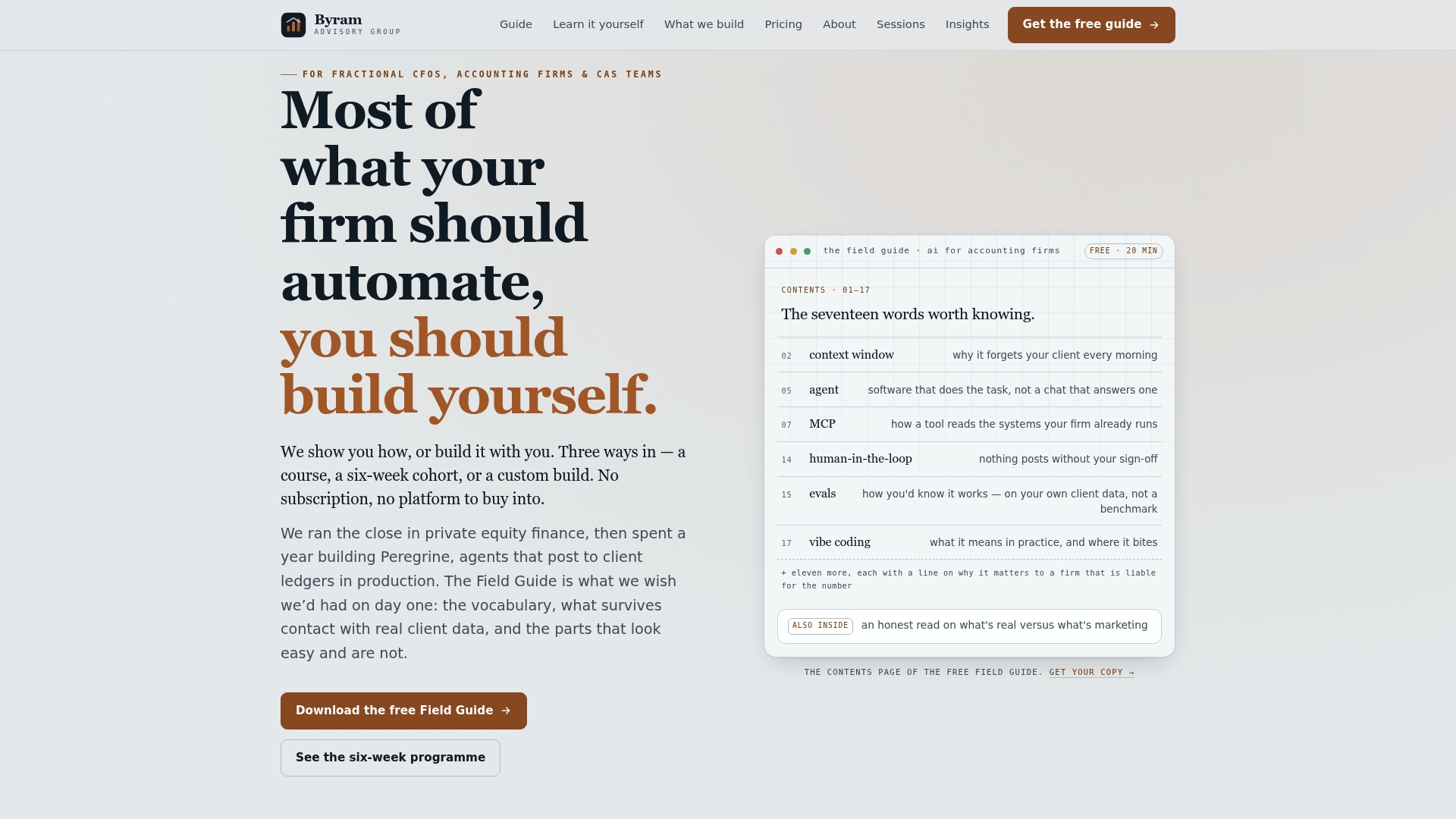
For teams that want a fast, scoped build, The Sprint is a $2,000 fixed-fee engagement that sets up your connectors, reviews your data model, and automates your match rules, with human sign-off controls built in from day one. If your whole team needs to adopt the workflow rather than just watch one person run it, The Bootcamp trains staff on dashboard-driven reconciliation so the process survives staff turnover. Not ready to commit to either? Download the free Field Guide to AI for Accounting Firms and see what a defensible automation setup should look like before you buy anything.
Where to Look Next for Build Details
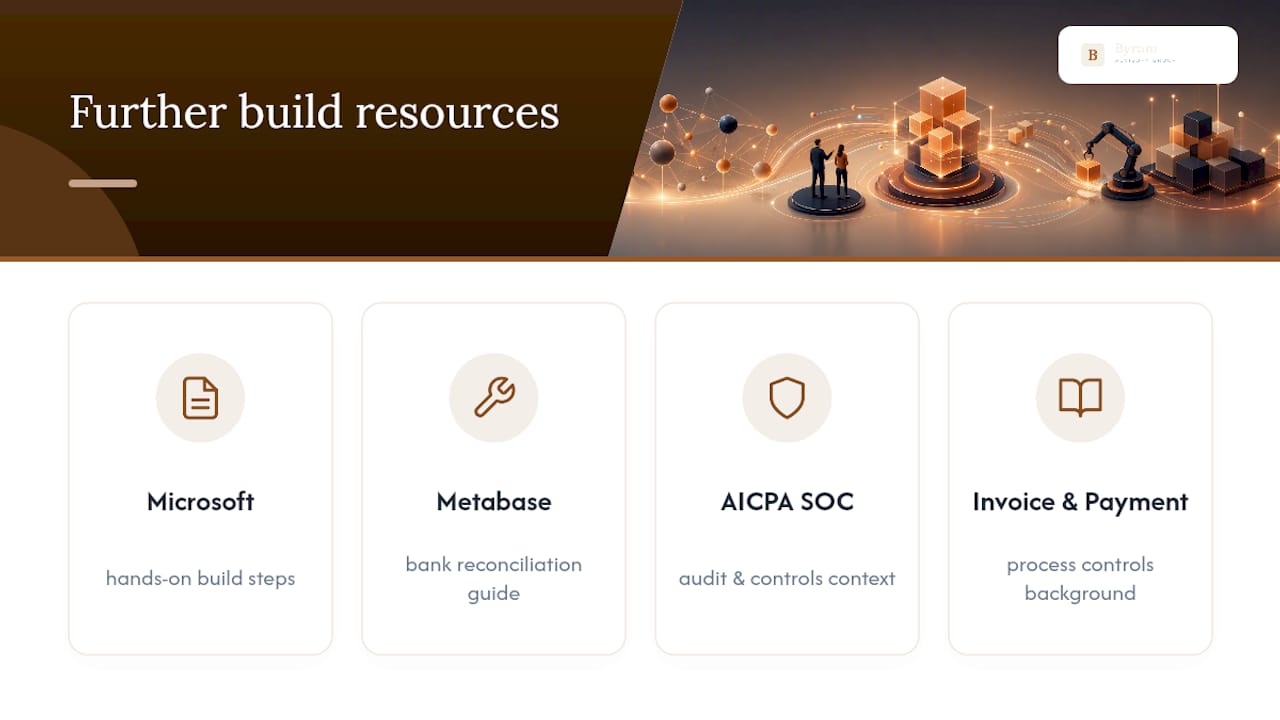
For hands-on implementation reference, Microsoft's account reconciliation workspace documentation and the Metabase bank reconciliation dashboard guide cover build steps in detail. For audit and controls context, consult AICPA's SOC resources. Firms weighing broader process controls alongside reconciliation may also find this overview of invoice and payment reconciliation useful background.
Sources
- Account reconciliation - Finance | Dynamics 365 | Microsoft Learn
- Bank Reconciliation Dashboard in Metabase
- Dashboards - Oracle Account Reconcile Cloud
- Cash Reconciliation Dashboard | Real-Time Visibility
FAQ
What Is Reconciliation Status?
Reconciliation status is the current state of an account's matching process, typically shown as unreconciled, in progress, or fully reconciled. Dashboards display it as a color, with red flagging open exceptions and green confirming every transaction has been matched and signed off.
What Are the Five Steps in the Reconciliation Process?
The typical sequence is: gather the statement and ledger data, match transactions automatically where possible, identify and investigate unmatched items, resolve the exceptions with documented adjustments, and sign off on the reconciled balance. A live dashboard supports every step by showing which stage each account currently sits in.
What Are the Three Types of Reconciliation?
The three most common types are bank reconciliation, which compares statement activity to the cash ledger; balance sheet or account reconciliation, which verifies general ledger balances against supporting detail; and intercompany reconciliation, which matches transactions between related entities. Most reconciliation dashboards, including compliance-focused examples, report on all three by account type and organizational unit.
What Is a Reconciliation Checklist?
A reconciliation checklist is the set of steps a preparer follows to close an account: confirm feed freshness, match transactions, age and investigate anything unmatched, apply materiality thresholds to flag risk, and capture a signed-off snapshot as audit evidence. Byram-advisory builds this checklist directly into the Peregrine workflow so it runs the same way every close.
How Much Does Byram-Advisory's Automation Setup Cost?
Byram-advisory's Sprint engagement, which covers connector setup and reconciliation automation, is priced at $2,000 one time. Pricing for The Bootcamp, Close teardown, and other engagements is available directly on the Byram-advisory site.