

RPA reliably automates repetitive, rules-based accounting tasks and delivers measurable time and accuracy gains when a team picks the right process and governs it correctly. The technology excels at invoice entry, reconciliations, and report pulls but stalls on judgment calls or unstable systems. Paired with human review and clear ownership, RPA frees staff for the analysis work clients actually pay for. Byram Advisory has watched this play out across dozens of fractional CFO engagements.
TL;DR:
- RPA is most effective for high-volume, rule-based tasks with stable data formats, such as invoice processing, reconciliations, and month-end data gathering.
- Proper process selection requires scoring criteria like volume, rule clarity, data consistency, stability, exception rate, and compliance, to ensure return on investment.
- Implementation should start with a single, well-defined pilot lasting six to ten weeks, with detailed process mapping and exception handling rules to avoid failure.
- Governance includes assigning clear ownership, vaulting credentials, logging every action, and routing exceptions to maintain auditability and control risk.
- RPA is best for legacy systems without APIs; when APIs exist, direct integration is preferable; AI and low-code tools can extend RPA but require ongoing maintenance.
Table of Contents
- What Is RPA for Accounting, and How Does It Differ From AI?
- Top Use Cases for RPA in Accounting
- Is Your Process a Good Fit for RPA?
- How to Implement RPA: From Pilot to Scaled Program
- Governance and Controls That Keep RPA Auditable
- RPA vs. AI vs. APIs: Choosing the Right Tool
- What Byram Advisory Has Learned Building This for Clients
- An Editorial Take on RPA Adoption Pacing
- Get Hands-On Help Scoping Your First RPA Pilot
- Sources
What Is RPA for Accounting, and How Does It Differ From AI?
Robotic process automation is software that mimics the clicks, keystrokes, and copy-paste moves a person would make inside your accounting applications. A bot logs into QuickBooks, pulls a report, reformats it, and emails it out, exactly the way a staff accountant would, just without coffee breaks or typos.
The key distinction that trips people up: RPA is deterministic. Give it the same input twice, and it produces the same output every time, following rules you defined in advance. AI, particularly machine learning models, is probabilistic. It makes predictions based on patterns and can produce different answers as it learns. That's why RPA handles "copy this number from field A to field B" flawlessly, while it has no ability to decide whether an invoice looks fraudulent.
The two often work best together. When a task involves reading a scanned PDF or unstructured text, RPA needs help from optical character recognition (OCR) or natural language processing (NLP) to extract the data before the bot can act on it. Gartner frames RPA as a foundational building block of hyperautomation, not a replacement for it, meaning it's one piece of a larger stack that includes AI, process mining, and low-code tools.
What RPA covers well:
- Structured, repetitive keystrokes across known applications
- High-volume tasks with consistent formatting
- Legacy systems that lack modern APIs
Top Use Cases for RPA in Accounting
Accounts payable invoice processing is the most common entry point. A bot pulls invoice data, matches it against purchase orders, and routes exceptions to a human, cutting processing time dramatically on high-volume vendor files. Bank and account reconciliations come next: bots compare transaction lines across bank feeds and the general ledger, flagging mismatches instead of forcing someone to eyeball thousands of rows.
Cash application, matching incoming payments to open invoices, is another strong fit, especially for firms juggling multiple payment channels. Month-end close benefits too: bots gather trial balances, journal entry backups, and supporting schedules from disparate systems so the close team starts with data already assembled rather than half a day into data hunting. Tax data preparation and routine report generation round out the list, since both involve pulling the same fields from the same sources on a predictable schedule.
- AP invoice processing: three-way matching, exception routing, OCR for scanned invoices
- Reconciliations: bank-to-ledger matching, variance flagging
- Cash application: payment-to-invoice matching across channels
- Month-end data gathering: pulling trial balances and schedules pre-close
- Tax data prep: consolidating source documents into filing-ready formats
- Report generation: scheduled pulls and formatting for recurring deliverables
A study of RPA adoption inside public accounting firms found some tasks ran significantly faster after automation, with efficiency gains spread across tax, advisory, and assurance work.
Not every task belongs on this list. Judgment-heavy reviews, anything requiring interpretation of ambiguous source documents, and processes that change format every quarter are poor RPA candidates. Automating a broken process just makes the mess move faster.
Pro Tip: Start with the task your team complains about most in the last week of every month. Recurring frustration usually signals both high volume and rule stability, the two traits that make a process automatable.
Is Your Process a Good Fit for RPA?
Before you build anything, score the candidate process against a short checklist. A process that fails two or more of these usually isn't ready:
- Volume: does it happen often enough (daily, weekly) to justify build time?
- Rule clarity: can you write the decision logic in plain steps without "it depends"?
- Data structure: does the source data arrive in a consistent, machine-readable format?
- Stability: has the underlying software or workflow stayed the same for at least six months?
- Exception rate: are exceptions under roughly 10 to 15% of volume, and can they be routed to a person?
- Compliance constraints: does automating this activity still leave an audit-ready trail?
Red flags include a fragile user interface that changes with every software update, exception volume so high the bot spends more time escalating than working, and manual checks required by regulation that can't be logged automatically.
For ROI, a simple formula gets you close enough for a pilot decision: (hours saved per month × fully loaded hourly cost) minus (bot licensing plus build and maintenance cost), divided by the initial build investment, gives you a rough payback period in months. Gartner recommends tying that number to a broader business metric, not just hours saved, since finance leadership responds better to cycle-time or error-rate improvements than to headcount hours alone.
Byram Advisory's field note: teams that skip this scoring step tend to automate the loudest complaint instead of the best candidate, and end up maintaining a bot that saves less time than it costs to fix.
How to Implement RPA: From Pilot to Scaled Program
Start with one process, not five. Picking a single, well-scoped pilot with a defined goal, say, cutting invoice processing time by half, lets you prove value before asking for a bigger budget or wider buy-in.
- Select the pilot and set a measurable goal. Use the feasibility checklist above; choose the process with high volume and low ambiguity.
- Map the process in detail. Document every decision rule, every exception path, and who currently makes each judgment call. This step usually takes longer than people expect and is where most failed pilots actually fail.
- Build and test. Decide between a developer-built bot and a low-code platform based on how often the process changes. Run a test plan against real historical data, including edge cases, before touching live transactions.
- Deploy with monitoring. Stand up a runbook covering what happens when the bot fails, who gets notified, and how exceptions route to a human. Set scale criteria upfront, so you know what "ready for the next process" looks like.
A realistic pilot timeline runs six to ten weeks from process mapping to live deployment, depending on system access and how many stakeholders need to sign off.
Pro Tip: Write the exception-handling rules before you write a single line of bot logic. Teams that build the happy path first and bolt exceptions on later end up rebuilding the whole workflow.

Governance and Controls That Keep RPA Auditable
A bot without an owner is a liability waiting for an external auditor to find it. Assign clear roles: finance owns the process logic, IT owns the infrastructure and credentials, and audit or security signs off on access controls and logging.
Credential vaulting matters more in accounting than almost any other function, since bots often touch bank portals and general ledger systems with elevated permissions. Every action a bot takes should generate an immutable log entry, the same standard you'd expect from a human user's audit trail.
- Assign a named owner for every bot in production, not just the department
- Vault credentials rather than hardcoding them into bot scripts
- Log every transaction the bot touches, timestamped and unalterable
- Route exceptions to a human reviewer with a defined service-level agreement
- Run periodic bot health checks and reconcile outputs against the ledger
TechTarget's use-case research stresses that governance and process redesign matter as much as the automation itself. Skip either, and you've just automated your control weaknesses.
RPA vs. AI vs. APIs: Choosing the Right Tool
RPA shines on the front end of legacy systems that don't offer an API, mimicking a human user because there's no other way in. When a proper API exists, use it instead. A direct integration is faster to build, less fragile, and doesn't break every time a vendor changes a button's position on screen.
Low-code apps sit in between: they reduce the maintenance burden of a brittle RPA script while still letting a finance team build custom logic without a full development team. AI and machine learning extend RPA's reach into document parsing and anomaly detection, tasks that involve judgment rather than rule-following, but they add their own maintenance cost since models drift and need retraining.
- RPA: best for legacy systems, no API available, high-volume repetitive steps
- APIs: preferable whenever the software vendor offers one
- Low-code: reduces fragility, good middle ground for evolving processes
- AI/ML: adds pattern recognition and anomaly flagging, per IBM's finance automation guidance, but requires ongoing model upkeep
What Byram Advisory Has Learned Building This for Clients
Byram Advisory built Peregrine specifically because generic RPA tools kept breaking against the realities of client accounting work, especially the QuickBooks-heavy environments most fractional CFOs manage. Peregrine integrates directly with QuickBooks, automating the repetitive transfer and reconciliation work while keeping a real-time view of cash flow and a structured trail ready for outside scrutiny.
- Direct QuickBooks integration reduces the fragile-UI problem common to generic bots
- Real-time cash flow monitoring surfaces anomalies before month-end instead of after
- Detailed reporting keeps firms audit-ready without a scramble
Firms that pair the platform with structured training tend to see faster, more durable adoption than those that buy software and hope staff figures it out. The Field Guide to AI for Accounting Firms walks through the same pilot selection and governance steps covered above, built specifically for accounting workflows rather than generic enterprise processes.
An Editorial Take on RPA Adoption Pacing
Most RPA failures I've seen traced back to sequence, not technology: teams skip governance, chase the flashiest process instead of the most stable one, and treat change management as an afterthought. Start with governance and a genuinely boring, stable process. Skipping training to move faster almost always costs more time later, once the bot breaks and nobody knows why.
— Owen
Get Hands-On Help Scoping Your First RPA Pilot
Byram Advisory turns everything above into a working pilot instead of a slide deck. Where generic RPA vendors sell you a license and leave the process mapping to your team, Byram scopes the pilot, builds the QuickBooks integration through Peregrine, and trains your staff to maintain it after launch. That combination of tools plus applied training is the difference between a bot that runs for a month and one that still runs cleanly a year later.
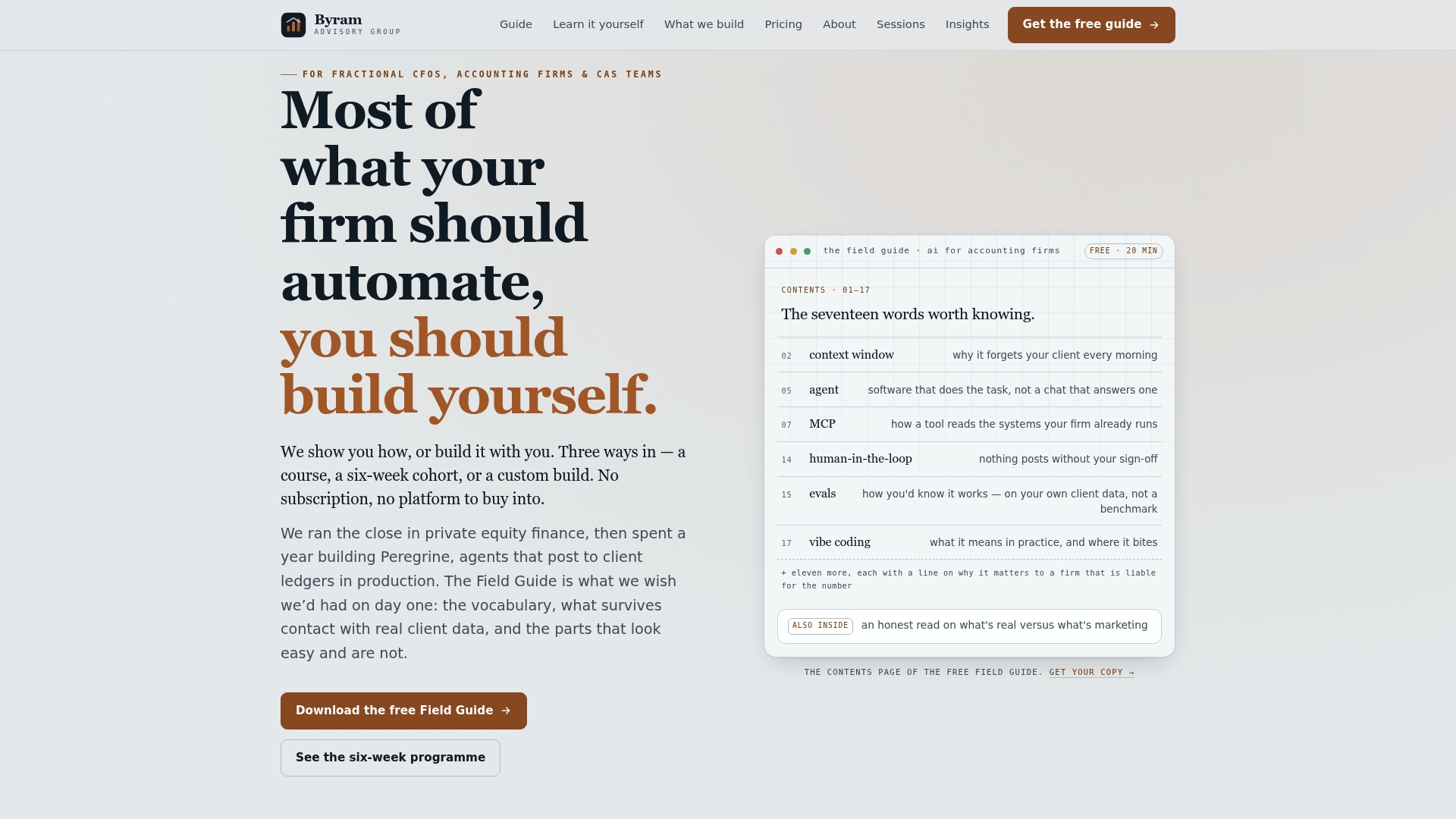
Start with the Field Guide to AI for Accounting Firms for the checklists and templates referenced throughout this piece, free to download. If you'd rather build the skills directly, the DIY AI Implementation Course walks your team through the same pilot-to-scale roadmap for $500. And if you want Byram Advisory to scope the pilot with you directly, visit the main site to start that conversation. For the change-management side of the rollout, The Strategy Haus offers guidance on organizational readiness that pairs well with a technical pilot.
Sources
- Finance RPA | 3 Tactics to Show Impact | Gartner
- Robotic Process Automation in Public Accounting (BYU scholars archive)
- 9 RPA use cases in finance and accounting | TechTarget
- Five Ways to Use RPA in Finance | IBM