

Open the Chart of Accounts, click into Uncategorized Income, and work through each transaction one by one, matching it to an invoice, assigning it to the right Products and Services item, or moving it to equity if it isn't revenue at all. Once the list is clean, build bank rules and fix your Products and Services mapping so new deposits stop landing there. Keep the invoice, receipt, or gift letter behind every reclassification, and never edit a reconciled deposit without leaving a note explaining why.
TL;DR:
- Creating bank rules for recurring deposits can prevent future Uncategorized Income entries by automatically categorizing transactions.
- Properly matching deposits to existing invoices or updating Products and Services avoids duplicate income records and overclassification.
- Moving non-revenue deposits to equity or liability accounts is essential to maintain accurate profit and loss statements and tax records.
- Regularly reviewing and automating categorization for common payment methods reduces manual cleanup and minimizes recurring errors.
- Attaching documentation to each transaction ensures compliance with IRS requirements and safeguards against misclassification during audits.
Table of Contents
- What Does Uncategorized Income Mean in QuickBooks?
- How Do You Find Uncategorized Income Transactions in QuickBooks Online?
- How Do You Fix Uncategorized Income in QuickBooks Online?
- How Do You Prevent Uncategorized Income From Coming Back?
- Why Uncategorized Income Matters for Taxes and Audits
- How Automation Cuts Down Uncategorized Income Cleanup
- A Bookkeeper's Month-End Cleanup Checklist
- Fix It Once, Or Fix It Every Month
- Where to Go for Official QuickBooks Guidance
- Sources
What Does Uncategorized Income Mean in QuickBooks?
Uncategorized Income is a holding account. QuickBooks dumps a deposit there when it can't figure out, on its own, which real income account the money belongs to, and it explicitly tells users to review the transaction and pick the correct category. It's not a mistake exactly. It's the software's way of saying "I don't know, you decide."
A handful of situations push deposits into this account over and over:
- A bank feed transaction with no matching invoice or customer record
- A payment app deposit (Venmo, PayPal, Zelle) that arrives with no memo or payee detail
- A missing or mis-mapped Products and Services item, so QuickBooks has nowhere else to send the money
- A renamed or restructured chart of accounts that breaks an existing mapping
- A changed setting, like disabling the requirement to select an account on bank transactions
The risk isn't cosmetic. Every dollar sitting in Uncategorized Income is a dollar your profit and loss statement can't classify as sales, service revenue, interest, or a refund. Leave enough of it unresolved at year end, and your tax return is built on guesswork instead of records.
How Do You Find Uncategorized Income Transactions in QuickBooks Online?
Before you can fix anything, you need the full list of what's sitting in the account. QuickBooks Online gives you three ways to pull it, and using more than one catches transactions the others miss.
- Go to the Chart of Accounts, find Uncategorized Income, and run a Quick Report to see every transaction behind that account total. This is your master list.
- Open Bookkeeping (or Transactions) → Bank Transactions, and check both the "For Review" and "Reviewed" tabs. Deposits sometimes get auto-categorized to Uncategorized Income without ever hitting your review queue directly.
- Pull a Profit and Loss report, filter by date range, and click into the Uncategorized Income line to drill down to individual entries. This is useful when you're closing a specific month rather than doing a full-year sweep.
- Sort the bank transactions list by amount or by bank description to group similar deposits together. A batch of $47 PayPal deposits with the same description is almost always the same customer or the same product.
Pro Tip: Sort your bank transactions list by "Description" instead of date before you start. Recurring deposits from the same payment app or customer cluster together, so you can batch-fix five or ten transactions with the same logic instead of relearning the pattern every time.
Grouping first, fixing second, saves real time once you get to the correction stage.
How Do You Fix Uncategorized Income in QuickBooks Online?
Most uncategorized deposits fall into one of four scenarios, and each one has a specific fix. Guessing at a category and moving on is how errors compound. Matching the scenario to the right procedure is how you fix it once.
- An invoice already exists for this payment. Don't touch the deposit directly. Use Find Match in the bank transaction screen to link it to the open invoice, or use Receive Payment if the invoice needs to be marked paid first. Reclassifying the deposit manually when a matching invoice exists is one of the most common overcorrections bookkeepers make, and it can create a duplicate income entry alongside an invoice that still shows as unpaid.
- The deposit came through a merchant processor, PayPal, or Stripe. Open the transaction and assign it to the correct Products and Services line. If the item doesn't exist yet, create it and point it to the right income account so future payments route correctly on their own.
- The money isn't revenue at all. An owner contribution, a personal loan to the business, or a gift shouldn't sit in income at any point, even temporarily. Move it to the appropriate equity or liability account, and keep the loan agreement or gift documentation attached to the transaction.
- You have a batch of similar transactions. Go to Bookkeeping → For Review, select multiple rows with matching characteristics, and use Modify Selected to apply the same category, payee, or class across all of them at once.
A few cautions apply across all four scenarios:
- Never edit a deposit that's part of a completed bank reconciliation without a plan for the adjustment.
- If the period is already reconciled, create a correcting journal entry instead of changing the original transaction, and write down the reason for the change.
- Attach documentation to the transaction itself in QuickBooks, not just in a separate folder you might forget exists in six months.
There's no universal statistic for how many small businesses carry unresolved Uncategorized Income balances, but bookkeepers who've worked cleanup projects will tell you it's rarely a single transaction. It's usually a pattern tied to one payment method or one customer that never got mapped correctly, which is exactly why fixing the root cause matters more than fixing the symptom.
How Do You Prevent Uncategorized Income From Coming Back?
Cleanup is a one-time fix. Prevention is what keeps you from doing this same exercise every quarter. A few changes inside QuickBooks close most of the gap permanently.
- Build bank rules for every recurring deposit type: the same customer, the same payment processor, the same vendor refund. Once a rule exists, QuickBooks applies the category automatically going forward.
- Check that every item in your Products and Services list is linked to the correct income account. A single unmapped item can generate dozens of uncategorized entries over a year.
- Standardize payee naming across your bank feed. Inconsistent labels (the same client showing up as three different names) break automatic matching more than almost anything else.
- Review class tracking settings if you use them. Class rules that don't match how transactions are actually assigned can surface as unexpected uncategorized entries, especially after a chart of accounts restructure.
- Add "sweep Uncategorized Income to zero" as a fixed line item on your monthly close checklist, not an occasional cleanup task.
Pro Tip: Set a calendar reminder for the same day every month, right after your bank feed refreshes, specifically to check the Uncategorized Income balance. Catching one or two stray deposits monthly is a five-minute task. Catching forty of them in December is a multi-hour project.
Bank rules set up during onboarding, before the transaction volume builds, eliminate the majority of recurring issues before they start.
Why Uncategorized Income Matters for Taxes and Audits
An inflated or unresolved Uncategorized Income balance doesn't just make your profit and loss statement look messy. It changes how your business looks to the IRS if you're ever examined. Under the bank deposits analysis method, examiners can treat unidentified deposits as taxable income unless you can produce documentation proving otherwise. A gift from a family member or a personal loan you deposited into the business account, if left unexplained, gets treated as revenue by default.
That's the entire argument for retention discipline:
- Keep loan agreements, gift letters, invoices, and payment app transaction details for at least six years.
- Store documentation attached to the QuickBooks transaction itself, so it survives even if a spreadsheet or email gets lost.
- Bring in a tax professional for anything touching actual filed returns or IRS correspondence; use a QuickBooks ProAdvisor for the mechanics of getting the books clean in the first place.
The two roles solve different problems, and conflating them is how small errors turn into filed-return errors.
How Automation Cuts Down Uncategorized Income Cleanup
A lot of uncategorized income work is repetitive by nature: the same payment processor, the same missing memo, the same manual lookup every month. That's exactly the kind of task workflow automation tools are built to absorb. Byram Advisory's platform, Peregrine, connects to QuickBooks and enriches incoming bank feed data with the payee and transaction detail that's often missing from raw payment app deposits, which improves automatic matching against Products and Services items.
Predictable transactions get auto-applied through rules. Anything ambiguous gets pushed to a short exception queue for a human to review, rather than silently misclassified or left in Uncategorized Income for the next monthly cleanup.
- Bank feed enrichment fills in payee details that payment apps often strip out
- Rule-based auto-apply handles recurring, predictable deposits without manual review
- An exception queue flags only the transactions that genuinely need a decision
That structure keeps oversight intact while cutting the manual review load down to what actually needs a human eye.
A Bookkeeper's Month-End Cleanup Checklist
Run this in order: locate Uncategorized Income, classify or match every transaction inside it, attach the supporting document to each one, then add a bank rule or automation so the same deposit type doesn't reappear next month. If you ever touch a reconciled period, log the change and the reason before you move on. Skipping the documentation step is the single most common way a clean set of books turns into a defensible one only on paper.
— Owen
Fix It Once, Or Fix It Every Month
If you're spending an hour every close hunting down the same three types of uncategorized deposits, that's not a QuickBooks problem, it's a process gap. Automation solutions exist specifically for fractional CFOs, controllers, and accounting teams who are done doing this manually.
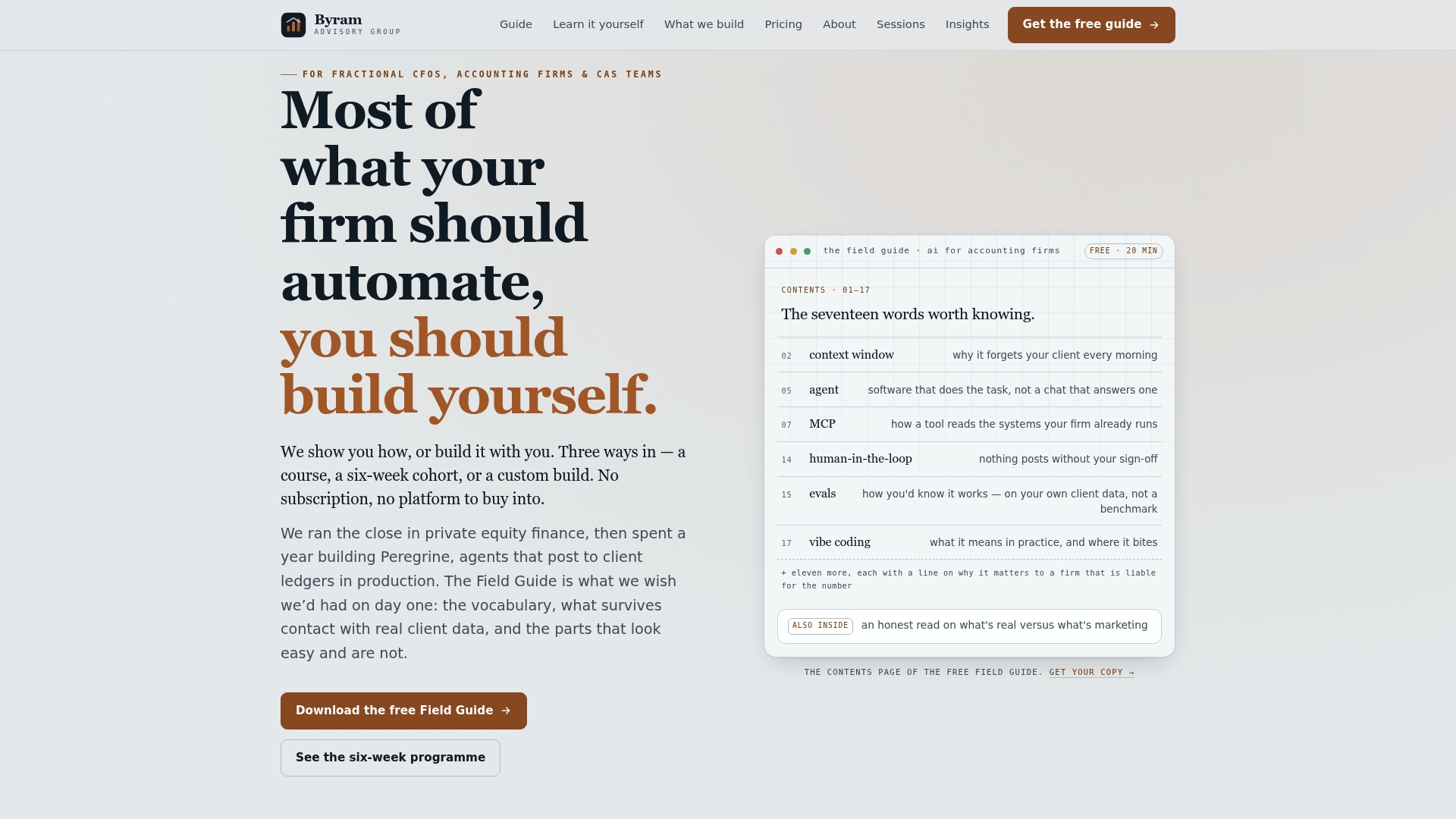
Here's what that looks like in practice:
- A QuickBooks-integrated platform that enriches bank feed data and auto-applies categorization rules
- Custom automation builds for firms with recurring, firm-specific categorization patterns
- Training programs and bootcamps for teams that want to implement automation themselves
- A free Field Guide to AI for Accounting Firms covering the workflow logic behind this kind of cleanup
If your Uncategorized Income problem is a once-a-year mess, the manual steps above will get you clean. If it's a recurring monthly drag across multiple client entities, that's a signal you've outgrown manual fixes. Firms that want to build the skill themselves can start with the DIY implementation course; firms that want it handled can look at what Byram Advisory's platform actually automates. Either way, download the Field Guide first and see which path fits your books.
Where to Go for Official QuickBooks Guidance
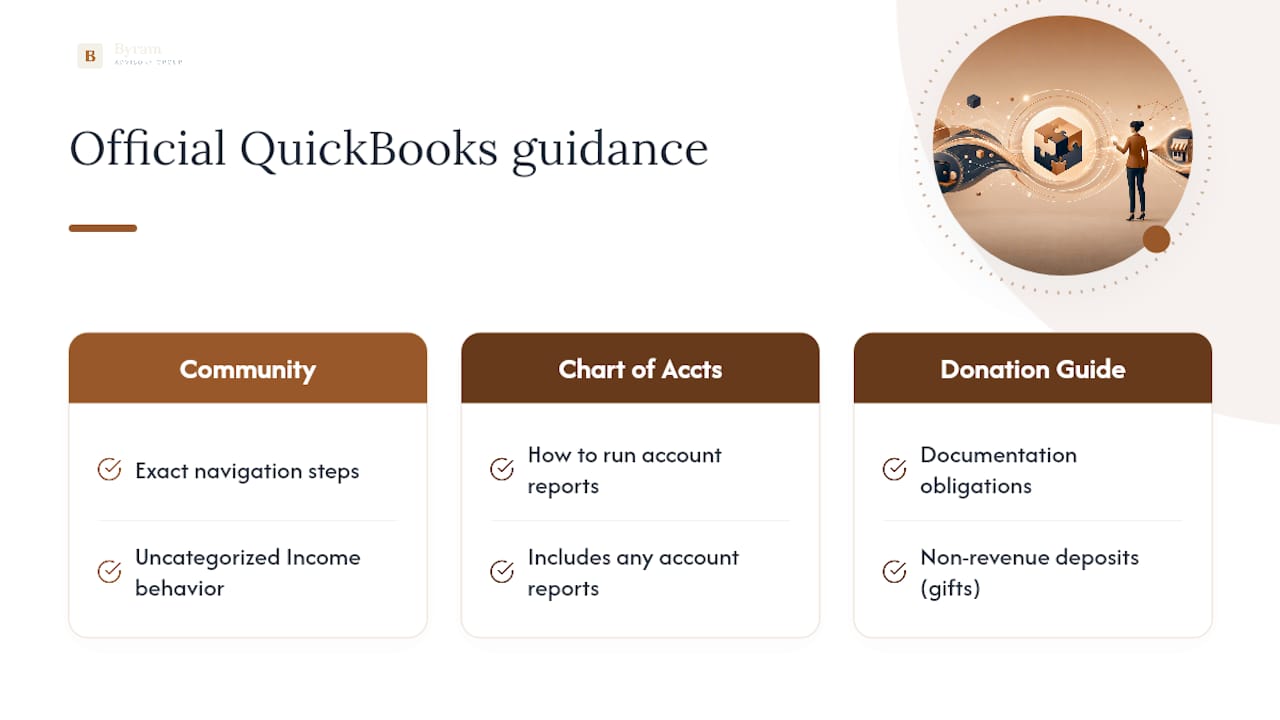
QuickBooks Community and Intuit's own help articles remain the most reliable source for exact navigation steps, since menu layouts shift between updates. The Uncategorized Income support thread covers the account's default behavior, while the Chart of Accounts guide walks through running reports on any account, including this one. For documentation obligations tied to non-revenue deposits like gifts, the donation reporting guide offers useful background on what records to retain.
Sources
- Uncategorized income | QuickBooks Community
- How to fix Uncategorized Income and Expenses in QuickBooks Online